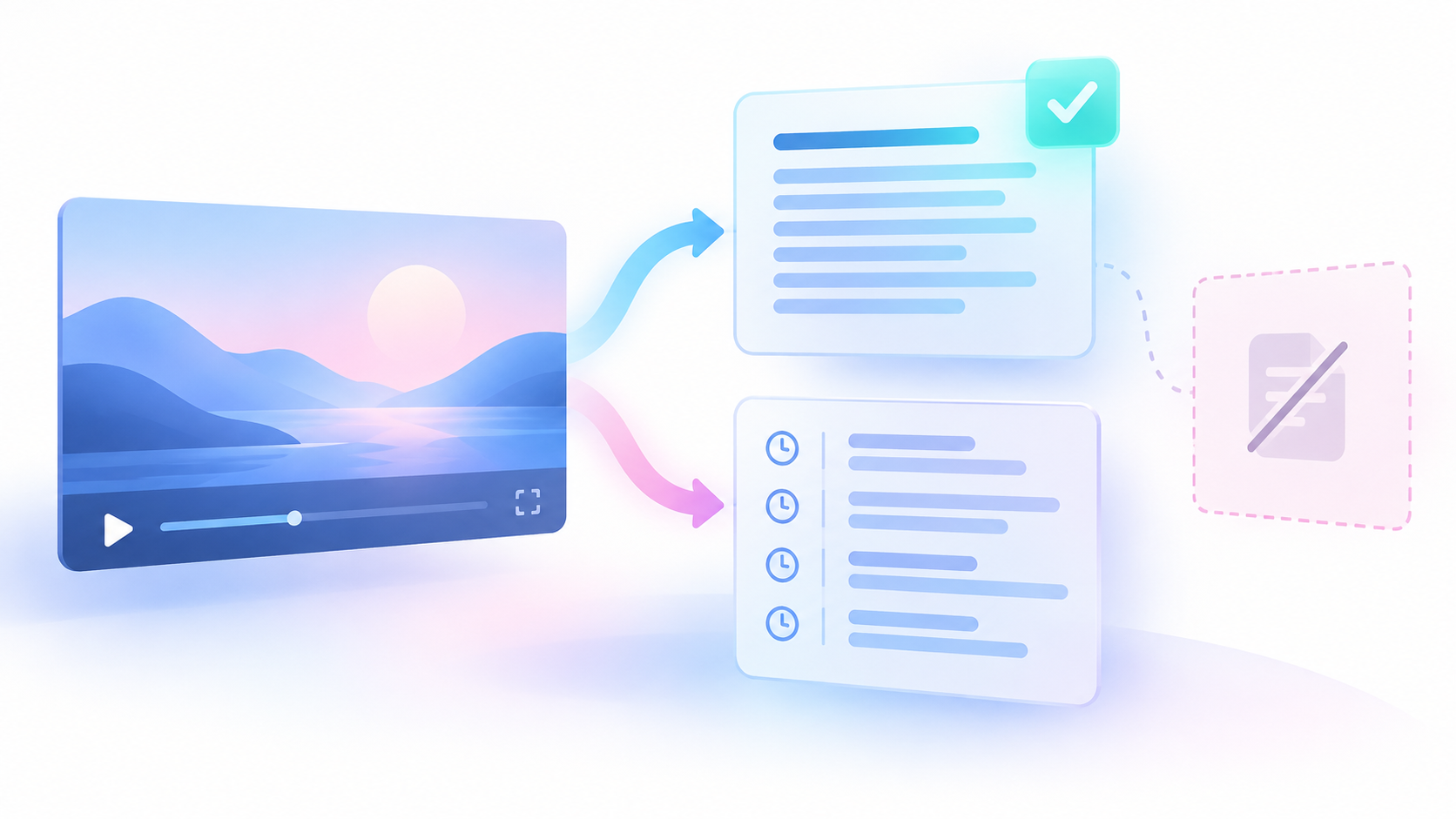
A watch event is one recorded viewing action. Two watches of the same video are two events. An archive is a downloaded copy of account data. Your main result should contain one row for each watch event recorded in that archive.
You can add current public video details later. Keep that step separate. Public video details cannot recover missing private watch events.
Define what you need to check
The reader question asks for a “full YouTube watch history.” This creates two different checks: whether your table preserves the exported events, and whether the archive covers the history you expected.
You can compare the table with its source files. You cannot prove complete lifetime coverage from those files alone. One public owner question reports an incomplete Takeout export. That is one reported gap. It does not establish a failure rate or a method that guarantees complete history.
Plan to save three records:
- A private note about the requested archive and its contents.
- A watch-event table that preserves repeated watches and original times.
- An optional public video table, with one selected result per video ID.
An ID is a value that identifies an item. A video ID identifies a video, not a watch event. Keep those two uses separate throughout the method.
Request your archive and record its scope
Use only your own Google account. Open the signed-in Google Takeout page through the official download guide.
Do not rely on a fixed menu path or file name. Inspect the current product choices and included-data choices.
- Select the YouTube or account-activity data needed for your watch history.
- Record the account and selected data privately.
- Record the request date.
- Request the archive.
- Download every archive part supplied for that request.
- Record the archive creation date, file format, and part names.
- Keep the original files unchanged.
- Open a working copy and confirm that it contains watch events.
Search activity and subscriptions do not establish which videos you watched. Confirm the record type from the actual contents before you count rows.
The selected data defines the requested scope: the account data you asked Google to include. Record the contents actually received as a separate fact. A selected category alone does not prove that the downloaded files contain every expected record.
Keep the archive private. The optional public check needs selected public video IDs or links. It does not need the archive or your account credentials. Downloading your data does not delete the cloud copy. Google’s export scope and limits
Build a table that preserves each watch event
Read the actual field names before you import the files. Do not assume a fixed file structure, date format, or video field.
Create one working row for each source watch event. Keep all original fields. Add references that let you find the event in the unchanged archive.
The fields below are proposed working fields. They are not promised Google export headings.
| Working field | What to save | Rule when information is missing |
|---|---|---|
| Archive reference | The archive request or saved-copy reference | Investigate an unknown source |
| Source file and event reference | File name and row or entry location | Add a reference before further processing |
| Original activity text | Exact activity text supplied | Leave missing text empty |
| Raw event time | Exact source timestamp | Do not substitute another date |
| Source time zone | Zone or offset, if supplied | Mark an absent zone unresolved |
| Normalized event time | A checked common time value, if possible | Leave unset until the time can be resolved |
| Original video link | Exact source link, if present | Retain the event without a link |
| Checked video ID | Video identity established from the source | Keep uncertain identity unresolved |
| Time review state | Whether the time was resolved | Preserve the reason for uncertainty |
| Public lookup state | Not attempted, matched, or unresolved | Keep this separate from archive coverage |
A timestamp is a stored date and time. A normalized time is a second value converted to a common form. Neither should replace the raw source value.
A source reference locates an event in your saved archive. It is not necessarily a stable event ID across different exports. Equal row numbers in two files do not establish equal events.
An absent video link does not erase a recorded watch event. Keep the event and mark its video identity unresolved. Likewise, an empty field means information is missing. It does not mean zero watches.
Resolve times without changing their meaning
Watch time, video publication time, and public lookup time describe different events.
| Time | Meaning | Correct use |
|---|---|---|
| Archive event time | When the archive records the watch action | Order or group recorded watches |
| Video publication time | When the video was published | Describe the video |
| Public lookup time | When public details were collected | Date the public observation |
| Archive request or creation time | When the export was requested or created | Describe the archive |
Parse a date only when you know its format. Parsing means reading stored text as a date and time. An ambiguous date must remain unresolved until you can establish its meaning.
- Keep the raw timestamp unchanged.
- Identify the date format from the source.
- Identify the time zone or offset, if supplied.
- Convert the value only when those facts are known.
- Save the converted value beside the raw value.
- Record any unresolved time issue.
UTC is Coordinated Universal Time, a common time reference. You may save a normalized UTC value when the source time can be resolved. Do not assign a time zone merely because your computer uses it.
Do not use import time as watch time. Do not use video publication time to fill a missing event time. If you later group watches by day, state the reporting time zone. Resolve time questions before you treat daily totals as checked results.
Keep repeat watches and remove only proven import copies
Two events can share a video ID, title, or date. That does not make them duplicate events.
For example, a morning watch and an evening watch of the same video remain two rows. Removing rows by video ID would lose part of the recorded history.
Deduplication means removing confirmed copies of the same record. Apply it only when you have evidence that your import created those copies. Importing the same unchanged archive twice is a case you can investigate through archive, file, and source-entry references.
- Count the imported watch-event rows.
- Check whether any archive part was imported twice.
- Identify copied source records through their source references.
- Remove only the demonstrated extra copies.
- Record how many copies you removed and why.
- Save the retained event count before adding public details.
Matching video IDs or timestamps alone does not prove that two rows are copies. Overlapping archives need a separate record review. Do not force uncertain matches into one event.
Decide whether you need public video details
You can stop with the checked event table if it answers your question.
Optional metadata can add current titles, channel details, and public counts. Metadata means information about an item. It describes the video; it does not establish another watch event.
The Chronometrica YouTube Metrics Scraper is an Actor, a hosted data collection program. Its documented inputs include known video IDs and video links. It also supports public channel discovery, which is not needed to check this archive.
The Actor reads public video metadata and metrics. Metrics are counts such as public views or likes. It does not read personal watch history or private videos. It does not collect comment text or provide YouTube Studio impressions, click-through rate, or retention.
Prepare a separate list of unique, known public video IDs. This reduces repeated public lookups while preserving every watch event. The transcript corpus guide also separates repeated source appearances from unique video identities. Here, the unique list serves only the optional lookup. Your event table must keep repeated watches.
If you later need a video’s spoken text, use the separate caption extraction guide. Captions do not establish whether or when you watched a video.
Configure the optional public lookup
The youtube-engagement-metrics-tracker Task provides a starting preset. A Task is a saved Actor input preset.
The supplied evidence checked the public Task page and its ID on 25 October 2026. It did not inspect authenticated saved settings or run the Task.
The following small input passed a format check against the supplied public input rules. JSON is a text format for structured data.
{
  "maxItems": 1,
  "startUrls": [
    "https://www.youtube.com/watch?v=dQw4w9WgXcQ"
  ]
}The sample link is an input example. It is not a result from this method.
- Inspect the Task settings before use.
- Replace the whole sample list in `startUrls` with your intended public video IDs or links.
- Use direct video inputs for this archive check.
- Set `maxItems` to allow the intended public result rows.
- Send no private archive files or watch-event rows.
- Run a small list that you can inspect in full.
- Save the input, output, and lookup time separately.
The shown `maxItems` value limits output to one metric row. Leaving it at one for a larger list can prevent the output from covering that list. Compare the submitted IDs with the results; do not assume that a completed run covered every intended video.
These are proposed reader actions. No private archive was accessed or tested for this guide. No paid Actor run was made. The documented fit supports this optional public check; it does not prove runtime performance.
Attach public results without losing events
Keep the public output in a separate table. Preserve the exact returned values and their status information.
| Actor field | What it records |
|---|---|
| `inputUrl` | Submitted input |
| `postId` | Returned video ID, when present |
| `postUrl` | Returned video link, when present |
| `title` | Current available video title |
| `publishedAt` | Video publication value |
| `views`, `likes`, `comments`, `remixes` | Public counts, when available |
| `postMetricStatus` | Availability and precision of public video counts |
| `status` | Returned result state |
| `scrapedAt` | Public collection time |
The `comments` field is a count, not comment text. Missing counts remain unavailable. Preserve `null`, which represents a missing value, rather than replacing it with zero. Keep precision information too; a rounded public count must not become an exact count in your report. Actor output contract
Select at most one public observation per checked video ID for this version of your table. If you make later checks, save them separately and state which observation you use.
A join combines tables through a matching value. Match the selected public result to every event with that checked video ID. Preserve events with no match. For a failed result without a returned ID, retain its submitted input reference and investigate the match.
Check both directions of error:
- If the event count falls, check whether unmatched events were removed.
- If the event count rises, check whether several public results matched one event.
- Confirm that each original event reference remains exactly once.
- Confirm that repeated watches still have separate rows.
A failed public lookup does not establish that a video was deleted, made private, region-limited, or temporarily unavailable. Keep the cause unresolved unless separate evidence establishes it.
Worked example: three events and two video IDs
This example is original fiction. The event labels and lookup outcomes are invented for teaching. They are not private archive records or Actor test results.
A fictional archive records video A at 09:00 and 17:00, plus video B at 18:00. This simplified example supplies no date or time zone. Keep those limits visible; do not calculate UTC times from these values.
| Fictional event | Video label | Raw time | Public lookup outcome |
|---|---|---|---|
| E1 | A | 09:00 | Metadata available |
| E2 | A | 17:00 | Metadata available |
| E3 | B | 18:00 | Metadata unavailable |
The event table has three rows. The separate lookup list has two video IDs: A and B. In the fictional check, A returns metadata and B does not.
The arithmetic uses different units:
- 2 watch events for A + 1 watch event for B = 3 watch events.
- 1 unique ID for A + 1 unique ID for B = 2 unique video IDs.
- 1 available metadata result + 1 unavailable metadata result = 2 lookup outcomes.
- 3 event rows before the join = 3 event rows after the join.
Both A events receive the selected A metadata. B’s 18:00 event remains, with metadata marked unavailable. The failed lookup does not erase the recorded watch.
Report three recorded watch events and two unique video IDs. These counts do not measure unique people. They also do not prove that the archive contains every watch event from that day.
If B’s public view count is missing, keep it missing. Zero public views would be a numerical claim that this fictional lookup does not support.
Check archive coverage and unresolved states
Compare the requested scope with the included files. Where practical, compare selected archive records with the history visible to you in My Activity. Record the account, period, and date of that comparison.
YouTube states that videos watched while history is off do not appear in history. Owners can also delete history manually or use auto-delete. Public video details cannot reconstruct those missing private events. YouTube history controls
Keep different problems separate:
| Observed state | What you can conclude | Next check |
|---|---|---|
| Expected watch file absent | Expected archive content is missing | Review selected data and downloaded parts |
| Time cannot be resolved | Event time remains uncertain | Check raw format and source zone |
| Video ID absent | Event lacks a checked lookup identity | Retain the event and inspect its source |
| Known ID not submitted | Public lookup was not attempted | Submit it only if metadata is needed |
| Public lookup failed | Current metadata remains unresolved | Preserve the result without guessing a cause |
| Expected period has no records | Coverage is unresolved | Compare archive scope and owner-visible history |
An empty period is not proof of zero watches. An old earliest row is not proof of complete history. Successful parsing proves that your process read the files; it does not prove that Google supplied every past event.
Before accepting the table, confirm that all archive parts are accounted for, raw values remain unchanged, time issues remain visible, and every retained source event survives the public join. Report archive gaps separately from lookup failures.
Sources & further reading
- Google Account Help: Download your data — checked 25 October 2026; supports archive requests and export limits, with no complete-history guarantee
- YouTube Help: Watch history and its controls — checked 25 October 2026; supports history-off, deletion, and auto-delete limits
- Chronometrica YouTube Metrics Scraper — public contract checked 25 October 2026; public metadata only, with no private-history access or paid runtime test
- YouTube Metrics Scraper default-build schema — build 1.1.2 checked 25 October 2026; sample input passed format validation, not an execution test
- youtube-engagement-metrics-tracker Task — public page and ID checked 25 October 2026; authenticated settings and execution were not tested
- Public owner question about an incomplete Takeout export — observed 25 October 2026; one reported gap, with no exact publication date or verified recovery method
By Chronometrica · Updated
Back to top ↑