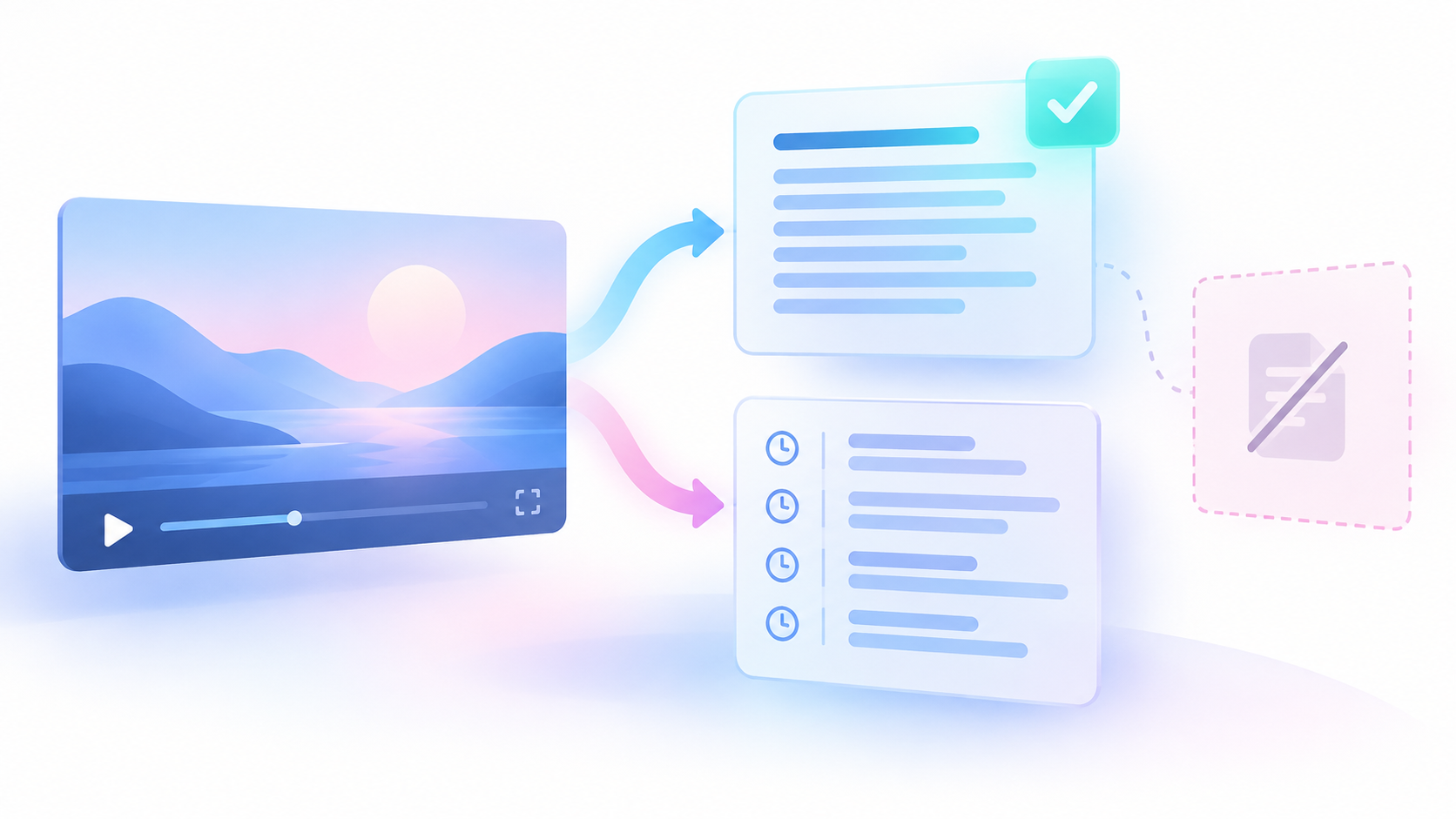
Start with the video and your own review. If you own the video, you can edit its captions in YouTube Studio. If you do not own it, make a separate corrected copy for your work. Your local copy does not change the public captions.
This guide covers technical terms throughout one video in its original language. The result is a corrected edition with a correction ledger. A ledger is a table that records the source text, the proposed change, the evidence, and the review decision.
Set the scope and keep the source unchanged
A caption track is the timed text attached to a video. A cue is one timed piece of that track. Before you edit, identify the exact video and track. Different tracks or collection dates must not become one source without a record.
- Record the video URL and video ID.
- Record the caption language and the spoken language you hear.
- Save the original timed caption export without changes.
- Keep the returned language and automatic-caption flags.
- State whether you will revise your own public captions or create a private corrected copy.
- Define the review scope as the complete selected track.
Keep a separate working copy. The original export shows what you collected. The working copy shows your edits. Neither file should replace the other.
If you use an export, keep its collection time. That time identifies the collected edition. It is not the time when the speaker said a word. If the public track later changes, collect it as a new edition.
Do not turn a missing value into zero. An unknown cue duration does not mean a cue lasts zero seconds. An unknown automatic-caption flag does not mean a person prepared the track. Keep missing values missing and explain what remains unknown.
If you first need to obtain the captions, follow the caption extraction guide. Return here with the timed source copy. Extraction is the starting requirement for this editing method.
Use a timed export when it helps the review
You can review a supplied timed caption file by hand. For an existing public track, the Chronometrica YouTube Transcript Scraper offers another collection route. An Actor is a hosted data collection program. This Actor reads existing public captions from direct video URLs or video IDs. It does not turn audio into new text or download audio or video.
The following supplied input requests JSON. JSON is a text format that stores named fields and their values. Here, it retains the timed segments needed to locate each occurrence.
{"includeFailedInputDetails":true,"outputFormats":["json"],"preferredLanguages":[],"startUrls":["https://www.youtube.com/watch?v=dQw4w9WgXcQ"]}Before a proposed run:
- Replace the sample URL in `startUrls` with the intended direct video URL.
- Keep `outputFormats` set to `["json"]` for timed segments.
- Choose your language rule in `preferredLanguages`.
- Keep `includeFailedInputDetails` set to true.
An empty language list selects the best available caption track. It does not require English or prove that the selected track matches the spoken language. If you require English, use `["en"]`. When preferences are supplied, the Actor tries them in order. If none match, it reports a language-unavailable failure.
The timestamped JSON Task is a saved input preset. Its public page and Task ID were checked on 25 October 2026. The frozen evidence does not include an authenticated saved-input check or an executed run. Inspect the input before use and replace sample values.
After your run, check the intended video, actual language, and returned text. Successful unique videos produce dataset rows. Failures belong in the run’s `OUTPUT` diagnostics. An empty dataset alone does not explain a failure.
Preserve `segments` with each segment’s `startSeconds`, `endSeconds`, `durationSeconds`, and `text`. Keep `videoId`, `videoUrl`, `transcriptLanguageCode`, `isAutoGenerated`, and `scrapedAt` with the export. Plain text alone does not establish cue end times.
These are documented uses, not results from a run for this article. No paid Actor run was performed for the supplied evidence.
Build a small term sheet from primary sources
A term sheet lists the technical names and spellings that need attention. A primary source comes from the product maker, project, or other body responsible for the term. Use the reference that fits the version discussed in the video.
Build the sheet from the actual audio and relevant primary references. Do not begin with a large glossary and force the speech to match it.
| Field | What to save |
|---|---|
| Term | The reference spelling |
| Product or subject | What the term names |
| Version | The applicable version, or unknown |
| Case | The required capital and small letters |
| Abbreviation | The documented short form, if any |
| Source URL | The primary spelling reference |
| Reference note | Why this source fits the spoken context |
Keep the exact version separate from the term. A reference for a current product may not settle wording in an older video. If you cannot establish the version, record that limit.
A spelling reference answers how to write a term. It does not prove that the speaker said that term. The audio must support the occurrence before you approve a change.
Find candidates across the complete track
A candidate is a cue that may need a correction. Search for known terms, likely misspellings, broken word forms, and repeated variants. Also read the complete track. A search cannot find every error when the wrong caption words bear little resemblance to the correct term.
- Search for each term and its observed variants.
- Record each matching cue as a separate occurrence.
- Read the surrounding cues for other possible errors.
- Add newly found variants to the search list.
- Repeat the search across the selected track.
Search results are leads for review. They are not proof of speech. A familiar product name may fit the subject and still be the wrong replacement.
Count occurrences separately from distinct terms. One term can appear in several cues. Approving one occurrence does not approve all later occurrences. Counts of cues, terms, or changes also do not count people.
Listen before you approve each change
For each candidate, replay the cue with the sentence before it and the sentence after it. Watch the screen when it provides relevant context. Save the listening interval so another reviewer can repeat the check.
- Listen for the word without treating the caption as correct.
- Check the surrounding sentence for the intended subject.
- Compare the spoken term with the primary spelling source.
- Decide whether the caption differs from the speech.
- Record the evidence and a narrow review decision.
Separate a caption error from a speaker error. If the speaker uses the wrong product name and the caption records it faithfully, changing the caption to the expected name would change the speech. Keep the spoken wording and record the subject error in a separate note.
A term shown on screen can support context. It does not permit you to replace an unclear spoken word with certainty. If the audio remains unclear, hold the change.
Use the quotation checking guide when you need to publish an exact quotation from a selected passage. This terminology review covers repeated terms throughout a track. It does not replace the separate check needed for a quotation.
Save a correction ledger that another editor can use
Keep one row for each reviewed occurrence. The ledger is your editorial record. Its review states are not fields supplied by the Actor.
| Field | What to record |
|---|---|
| Edition ID | Your name for this source and working edition |
| Video and track | Video URL, video ID, and caption language |
| Cue reference | A stable reference to the original cue |
| Original cue times | The unchanged start and end values |
| Original text | The complete cue text as collected |
| Candidate term | The word or name under review |
| Proposed text | The complete proposed cue text, if known |
| Primary source | Spelling URL and relevant version |
| Checked audio interval | The start and end of the passage heard |
| Audio result | What the reviewer could establish |
| Reason | Why a change is needed or held |
| Review state | Pending, approved, unresolved, or no change |
| Reviewer and date | Who checked it and when |
| Applied edition | The working copy that received the change |
Use these states consistently:
- Pending: The occurrence still needs review.
- Approved: The evidence supports the exact proposed change.
- Unresolved: The word is unclear or the evidence conflicts.
- No change: Review supports keeping the source wording.
An unresolved row can have no proposed text. Keep that value absent. Do not insert a likely word to make the table look complete.
Record enough original text to identify the occurrence. Preserve unchanged words around the replacement. This lets a reviewer detect an edit that accidentally removes a condition, changes a number, or affects another term.
Keep proposed changes separate from applied changes. An approved row describes a decision. The applied-edition field shows whether that decision reached the working copy.
Apply only approved occurrence changes
Make each approved change in the separate working copy. Do not use an unchecked global replacement. The same letters can occur inside another word, a code token, a version, or a quoted label.
- Open the approved ledger row.
- Find its exact cue in the working copy.
- Confirm that its text still matches the saved source.
- Apply only the approved replacement.
- Record the working edition that received it.
- Compare the result with the original cue.
Keep an edition diff. A diff is a comparison that shows the changes between two copies. Each changed passage should have a matching approved ledger row. Each row marked as applied should match the revised text.
Do not change cue times merely because you corrected spelling. If timing also needs correction, record that as a separate decision with its own evidence. Keep the original timing available.
Worked example: original fiction
Everything in this example is original fiction. It is not a real video, an Actor result, or a measured caption error rate. The example shows how to record one clear term correction and one unresolved occurrence.
In the fictional video, a cue starts at 01:22 and ends at 01:26. It reads “post grass sequel.” The audio clearly says “PostgreSQL.” The fictional editor checks the relevant official product reference and records that it supports the spelling “PostgreSQL.” No real reference URL or product version is supplied in this example.
The editor checks a wider passage from 01:18 to 01:30. The surrounding speech supports the same product name. The editor proposes changing only the incorrect words in that cue.
The time calculations are:
- Cue start: 1 minute × 60 seconds per minute + 22 seconds = 82 seconds.
- Cue end: 1 minute × 60 seconds per minute + 26 seconds = 86 seconds.
- Cue length: 86 seconds − 82 seconds = 4 seconds.
- Listening interval: 90 seconds − 78 seconds = 12 seconds.
The 4-second cue and the 12-second listening interval serve different purposes. Keep both. If a real export supplies a missing duration, keep that source value missing. A separately calculated length must not overwrite it.
Later in this fictional track, an acronym is unclear. Its exact letters and passage times are not supplied here. Those values remain unknown.
| Record | Original text | Proposed text | Audio result | Decision |
|---|---|---|---|---|
| Clear term occurrence | post grass sequel | PostgreSQL | Product name is clear at 82–86 seconds | Approved for this cue only |
| Later acronym | Not supplied | Unknown | Letters remain unclear | Unresolved; do not apply a change |
The first row’s correction reason is narrow: the caption words differ from the clearly heard product name, and the reference supports its spelling. That decision does not approve every similar phrase elsewhere in the track.
The second row remains in the ledger. It does not become an empty string, zero, or a guessed expansion. Missing evidence remains missing.
These are two fictional review records: one approved correction and one unresolved occurrence. They do not measure accuracy across the full fictional track. A reviewer must still inspect the complete revised edition before it is accepted.
Review the complete revised edition
Checking only changed words can miss damage to neighboring text. Review the full revised track against the video, including unchanged passages and repeated terms.
- Confirm the video, language, and edition.
- Listen through the complete selected track.
- Check repeated terms at every occurrence.
- Check unchanged text around each edit.
- Check that the cues appear at the right time.
- Compare the edition diff with the approved ledger rows.
- Confirm that unresolved rows received no guessed changes.
- Save the final review decision and remaining limits.
Have a separate reviewer check the complete revised edition, its source, and its ledger. That reviewer should listen rather than approve changes from the glossary alone. If the text changes after review, review the assembled edition again.
Do not call a partial review complete. State which scope was checked and which occurrences remain unresolved. A complete review can find unresolved words; it does not require an invented answer for them.
Extraction success, language metadata, and caption coverage do not prove word accuracy. A caption-span measure describes timing coverage. It cannot show that a technical name was heard correctly.
Keep failure states separate
Different problems require different decisions.
| Observed problem | Decision |
|---|---|
| No usable public caption track | Stop the extraction route; it cannot create missing speech text |
| Required language unavailable | Keep the requirement or explicitly choose a different scope |
| Collection failed | Inspect `OUTPUT`; do not diagnose missing captions from an empty dataset alone |
| Missing timing value | Keep it missing; do not substitute zero |
| Audio unclear | Mark the occurrence unresolved |
| Primary references conflict | Record the conflict and hold approval |
| Speaker uses the wrong term | Preserve the spoken wording and add a separate note |
| Edit appears without approval | Remove it from the accepted edition until reviewed |
| Only part of the track reviewed | Label the result as a partial review |
If collection fails, inspect the reported diagnostics and `isRetryable`. A failure report concerns collection. It does not determine whether a candidate word is correct.
Keep this work focused on terminology. Speaker labels, meaningful sounds, translation meaning, and reading layout need their own review criteria.
Sources & further reading
- YouTube Help: Use automatic captioning — checked 25 October 2026; general causes and review guidance, not a diagnosis of a specific video
- YouTube Help: Edit or remove captions — checked 25 October 2026; documented owner editing route, no account action tested
- Chronometrica YouTube Transcript Scraper — public build 0.1.43 checked 25 October 2026; schema and documentation evidence, no paid run or runtime-health test
- YouTube timestamped transcript JSON Task — checked 25 October 2026; public page and Task ID present, saved input and execution not tested
By Chronometrica · Updated
Back to top ↑