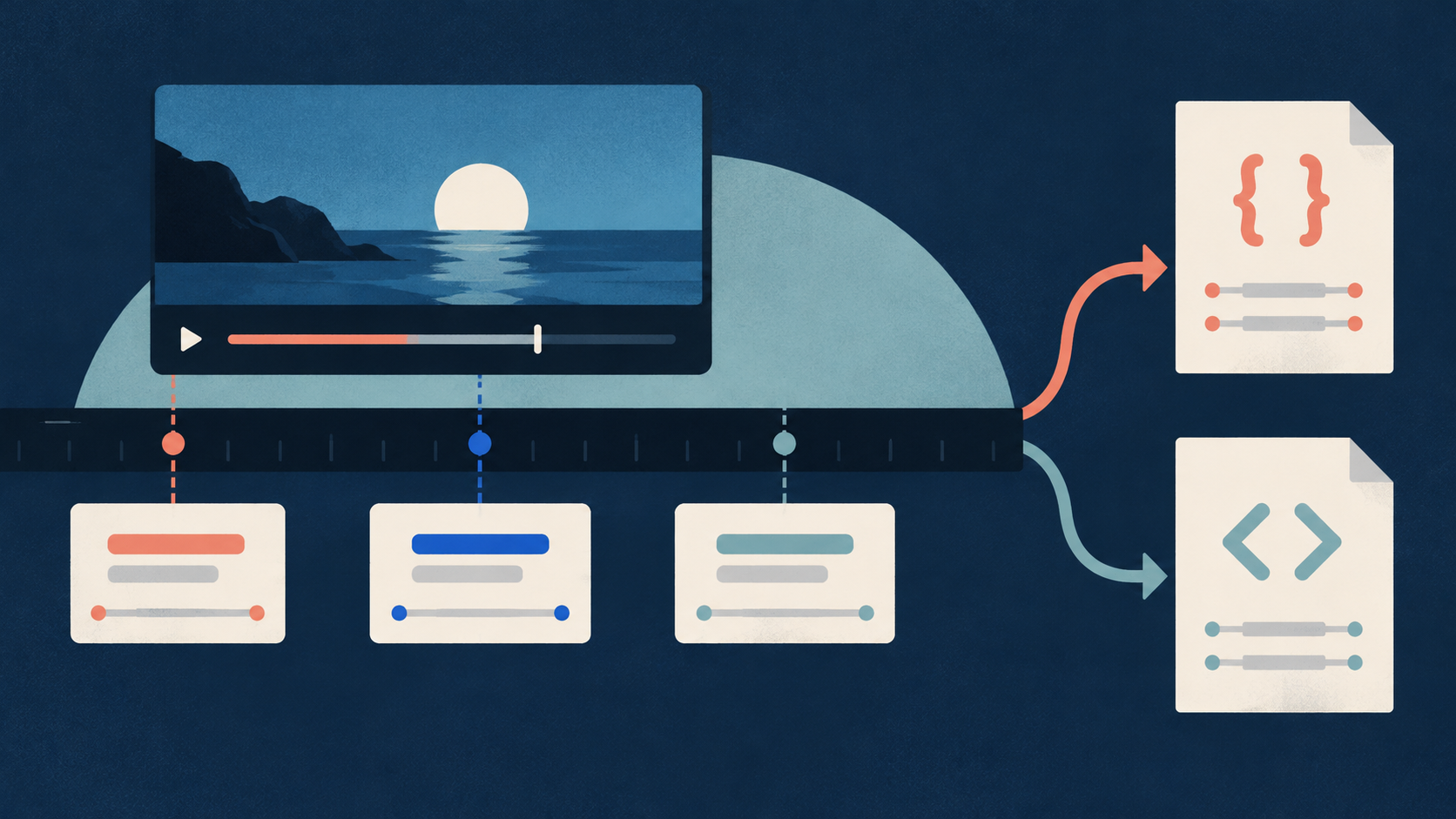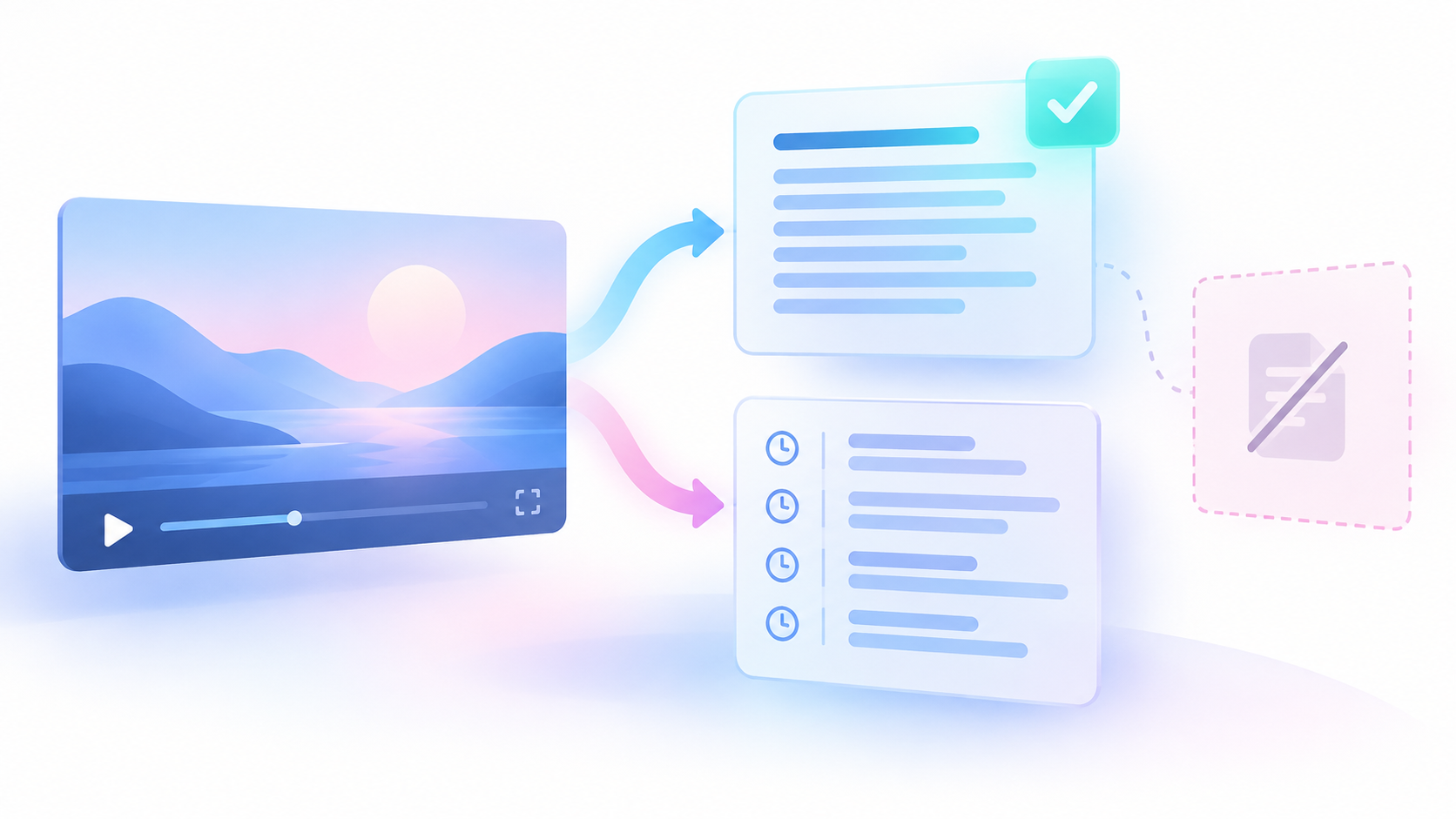
Even a single video may require both a clean text copy for reading and a timed source copy for reference. You can use an Actor, which is a hosted data collection program, configured via a Task, which is a saved input preset. When selected, JSON, which is a structured text format, preserves timed segments, whereas text-only outputs do not.
Understanding Caption Sources and Limitations
YouTube captions originate from creator-uploaded manual tracks and automated speech recognition generated by platform algorithms. Official documentation states that videos with captions have a transcript available directly through the video description menu (YouTube Help: View transcripts). However, automated captions can misstate speech because of mispronunciations, accents, dialects, or background noise (YouTube Help: Automatic captions). Additionally, long starting silence and overlapping voices are listed as possible caption-generation problems in official references. These general lists do not diagnose a specific video on their own.
Accessing a public caption track requires that the target video actually exposes usable captions. Opening a direct video URL is not enough if the track itself is missing or disabled. Note that public-caption access is distinct from general viewing access. Do not group unlisted videos with private ones, as unlisted videos can still expose public caption tracks if enabled by the creator. Keep missing captions, language mismatches, and extraction failures distinct.
The Practical Method for Acquiring and Checking Transcripts
- Confirm the exact direct video link and record its primary research purpose before starting extraction. Verify that you are working with a known public video URL rather than a playlist or channel page.
- Test the video natively by opening its page, scrolling to the description, and clicking Show transcript to check for available tracks. If the action is missing, treat it as a prompt for the next check rather than an automatic privacy diagnosis.
- Choose plain reading text, timed evidence, or both, selecting json and text together when you need both a clean reading text and timed segments.
- Configure your input with a single direct video URL using the startUrls array, set outputFormats to ["json", "text"], and keep includeFailedInputDetails enabled. Leaving preferredLanguages empty allows the scraper to select the best available track, while strict English analysis requires setting it to ["en"].
- Run the extraction and inspect both the dataset rows and the OUTPUT summary record, using fields such as rowsWritten, successfulTranscriptRows, failedInputs, and duplicateVideosSkipped to account for your inputs.
- Note that text is a dataset row field rather than an automatic text file download. Open a successful row, copy the value of the text field into your own reading document, and retain a separate JSON source export containing segments for times. Check the videoId, actual transcriptLanguageCode, and transcriptLanguageName. Compare start, middle, and end audio samples with corresponding caption segments when exact wording matters, noting that spot checks do not certify every word. Keep manual corrections separate from your raw source data.
- Check any error codes against the failure table to determine the next step. Inspect the isRetryable property and only make a bounded later retry if that value is true.
- Retain the URL, video ID, actual language, auto or manual flag, scrapedAt collection time, result state, source copy, and correction notes. Conclude with a clear decision on whether the transcript meets your quality and completeness criteria.
Automating Extraction with Structured Actors
When one or more known videos require saved reading text and timed evidence, the Chronometrica YouTube Transcript Scraper helps collect the data. This Actor reads existing public caption tracks and can supply a readable text copy and timed segments when json and text are selected.
This Actor reads existing public caption tracks. It does not create speech recognition, translate text, download media, or discover videos.
To configure the Actor, you provide an input. You can explore specialized presets such as the YouTube Transcript Scraper for a JSON and text starter, the YouTube Transcripts as Plain Text for a text-only preset, or the YouTube Timestamped Transcript JSON for a JSON-only preset. Note that the text-only preset does not retain timed segments; use json and text together when you need both reading text and time evidence.
The startUrls input takes an array of direct video URL strings. The outputFormats input accepts formats such as json and text. The includeFailedInputDetails parameter controls whether detailed failed-input error reports appear in the OUTPUT run summary.
{
  "startUrls": [
    "VIDEO_URL_TO_REPLACE"
  ],
  "outputFormats": [
    "json",
    "text"
  ],
  "includeFailedInputDetails": true
}Replace the whole VIDEO_URL_TO_REPLACE token with a known direct public video URL before running, because the shown token is only a placeholder.
Interpreting Run Results and Output Fields
An Actor run produces dataset rows and a run summary record. One dataset row represents one successful unique video transcript, not one input or segment. Failed inputs do not create dataset rows.
The OUTPUT is the run summary record that accounts for successes, failures, and skipped duplicates. Key summary fields include inputsReceived, uniqueVideosPlanned, rowsWritten, successfulTranscriptRows, failedInputs, duplicateVideosSkipped, statusCounts, errorCodeCounts, and failedInputDetails. Do not infer that a video has no captions from an empty dataset alone.
With this article's JSON and text configuration, each successful row contains both the plain text reading copy and the timed segment data. Selecting other output formats does not automatically mean timed segments are retained in your dataset.
Verifying Output Quality and Metrics (FICTIONAL)
To evaluate extraction reliability, you can calculate sample metrics. Consider a labeled fictional run where preferredLanguages is set to ["en"]. Seven input links contain five unique videos and two duplicate inputs. Three unique videos yield successful English transcripts, one has no public captions, and one lacks a matching English track, which causes a LANGUAGE_UNAVAILABLE error. If the default empty preference were used instead, another available language track could be selected, so absent English alone would not fail a default run.
In this fictional sample:
- Total inputs: 7
- Unique videos: 5 (3 successful, 2 failed)
- Duplicate inputs: 2
- Dataset rows written: 3
Usable-track availability = Successful unique videos / Total unique videos = 3 / 5 = 60 percent.
This 60 percent figure describes usable-track availability in this chosen sample, not accuracy or a YouTube-wide rate.
Consider a separate fictional timing example where the first cue starts at 2 seconds, the last cue ends at 92 seconds, and the total video length is 100 seconds. The caption span is 92 minus 2, which equals 90 seconds. Divided by the 100-second total video length, the ratio is 90 over 100, or 0.90.
A caption span ratio of 0.90 describes the caption span only and cannot measure word accuracy. Gaps and word recognition errors can still exist within that span. A successful platform run does not mean every input produced captions.
Diagnosing and Handling Failures
A failure code describes the observed failure class rather than always providing the exact root cause. Review the documented code and next-action table below to match each error with its proper response.
| Error Code | Reported Condition | Next Check and Action |
|---|---|---|
| TRANSCRIPT_NOT_FOUND | No public track available after lookup | Inspect native source page; request captions or use an authorized separate transcription if needed. |
| LANGUAGE_UNAVAILABLE | No requested language match found | Check available source tracks and retain requirement or change policy only if acceptable. |
| INVALID_INPUT / UNSUPPORTED_INPUT | Wrong input object provided | Replace the entry with a direct video URL string. |
| VIDEO_UNAVAILABLE | Unusable video with unknown cause | Check link validity and video ID format. |
| AGE_RESTRICTED / LOGIN_REQUIRED | Video outside public scope | Choose an accessible source; no bypass promises exist. |
| ACCESS_BLOCKED / TEMPORARY_FAILURE / TRANSCRIPT_PARSE_FAILED | Request or parsing failure occurred | Inspect isRetryable and execute a bounded later retry only if true. |
Always verify your error diagnostics against these documented categories. Take precise corrective action based on the returned code rather than guessing at unverified causes.
Sources & further reading
By Chronometrica · Updated
Back to top ↑