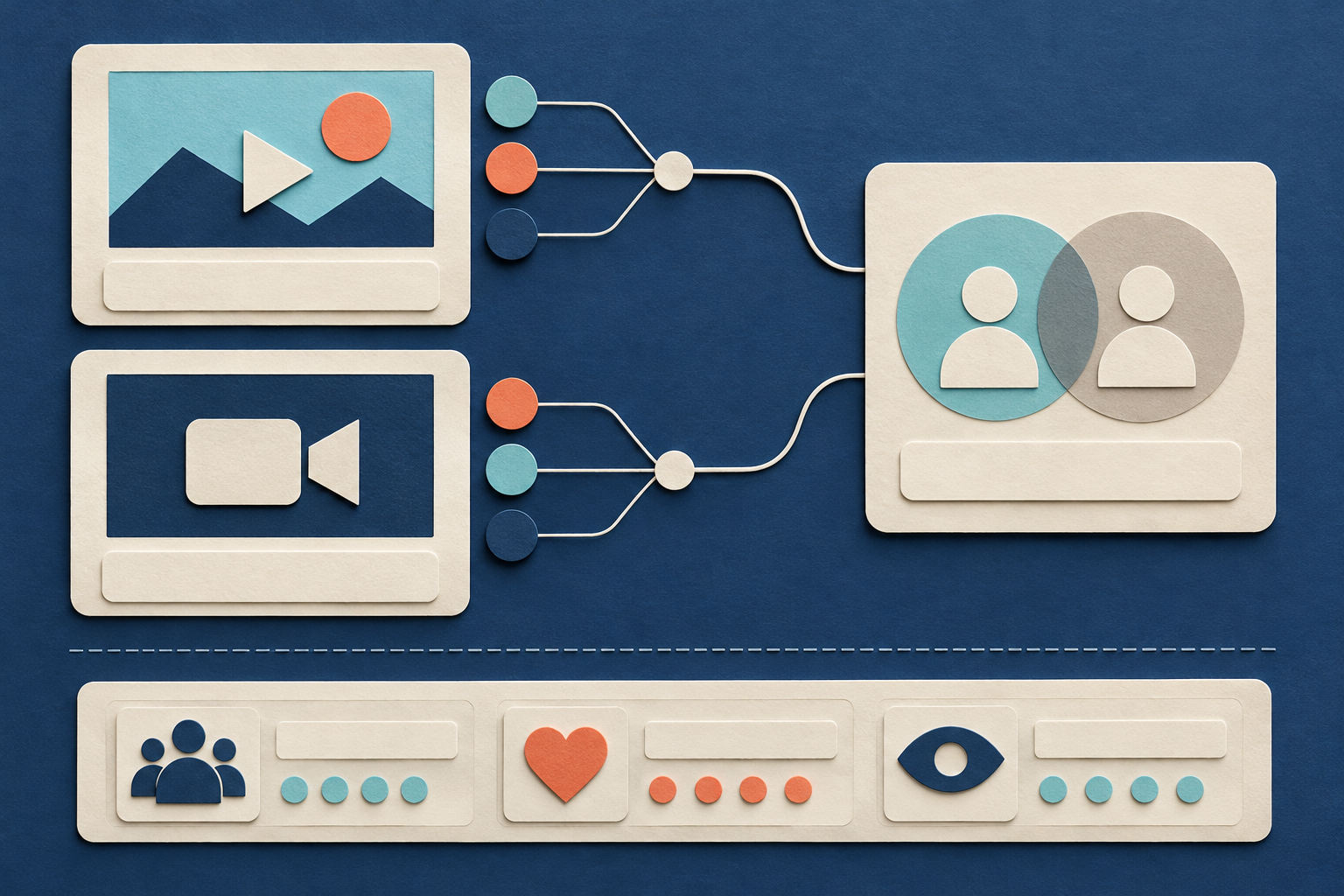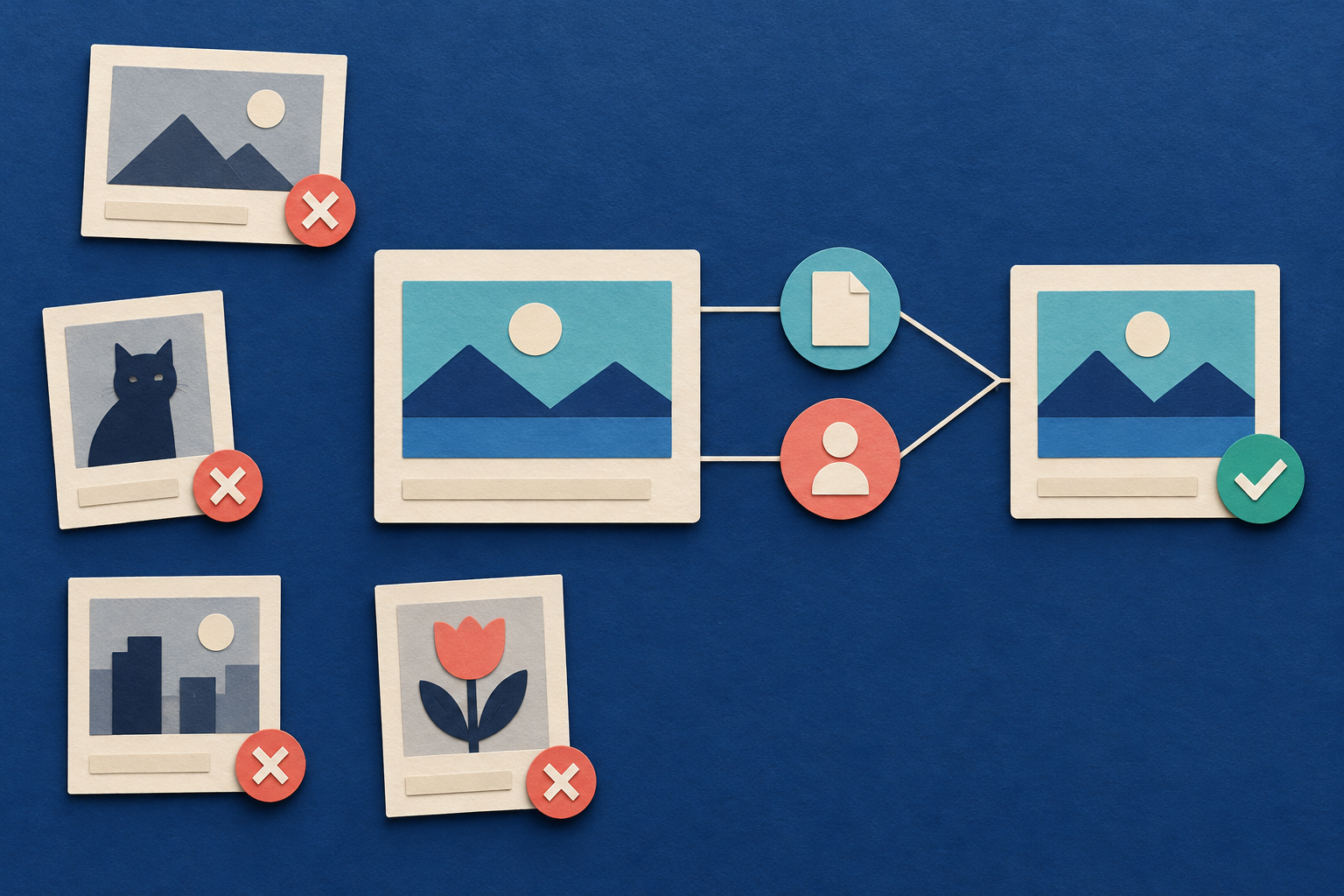
Start with manual checks. A search tool can help you find videos, but you must review the source to establish what the creator disclosed. The useful result is a list with source links, clear evidence classes, and visible gaps.
One supplied public question asks, “How do I find sponsors, I'm clueless.” This shows a reader problem. It does not establish how many creators have that problem or what they would pay for help. See the public sponsorship question — checked October 25, 2026; publication date unknown; question evidence only.
1. Define the search and the evidence classes
Write a short search plan before you collect videos. State the product topic, video language, video format, publication date window, and search limits. For example, you might study English-language, long-form videos about a specific product category. That is a proposed research scope, not evidence that sponsors exist within it.
Keep the question narrow: which brands have explicit relationship evidence in the videos you checked? Do not turn the task into a creator ranking, a fee estimate, or an outreach list.
Use these evidence classes:
| Evidence class | What supports it | What it establishes |
|---|---|---|
| Creator-disclosed paid promotion | A relevant paid-promotion label or an explicit paid statement | The creator disclosed a commercial relationship; brand attribution needs its own evidence |
| Explicit affiliate statement | Wording that identifies a link or arrangement as affiliate | The creator disclosed an affiliate relationship |
| Ordinary mention | A visible or spoken product mention without an explicit relationship statement at that location | The product was mentioned |
| Unresolved | Missing, unclear, or conflicting evidence | The relationship cannot be classified from the checked material |
An affiliate link is a link that the creator explicitly identifies as part of an affiliate arrangement. Keep that wording separate from a statement that a brand paid for the video.
A disclosure is a statement that makes a relationship visible. YouTube’s paid-promotion setting adds a disclosure label at the start of a video. The label does not reveal fees, contract terms, or effectiveness. See YouTube disclosure guidance — checked October 25, 2026; label and disclosure facts only.
An ordinary mention can have an unknown commercial relationship. These are compatible findings. You observed the mention, but you did not establish why it appeared.
2. Check known relevant videos first
If you already know videos in your topic, start with those sources. Open each video and its full description. Check the opening label and the relevant spoken segment when available.
Follow the same review order for every video:
- Save the direct video URL and video ID.
- Confirm the creator and the video’s topic.
- Open the full description.
- Record relevant relationship wording exactly.
- Check the opening paid-promotion label.
- Review the spoken segment that concerns the brand.
- Save the link destination and the check time.
A video ID is the stable identifier for a YouTube video. Use it to distinguish videos when titles change or several search results point to the same video.
Keep video-level evidence separate from brand-level evidence. An opening label may establish disclosed paid promotion for the video. It does not automatically establish that every brand mentioned in the video paid the creator. Record which statement connects which brand to the disclosed relationship.
Choose videos for topical relevance before you inspect public view counts. If you need a separate method for selecting comparable videos, use the guide to choosing reference videos. This sponsorship list answers a relationship-evidence question, rather than a performance-comparison question.
3. Use a small search pass to find more candidates
An Actor is a hosted data collection program. A Task is a saved input preset for that program. The YouTube Search Scraper Actor finds public video search results. It can supply candidate videos for manual review.
The supplied input passed validation against the checked public input schema. A schema defines the accepted input fields and values. This validation did not run the Actor or prove that the query returns useful sponsorship evidence.
{"enableQueryExpansion":false,"enrichWithVideoMetrics":false,"includeShorts":false,"maxPagesPerQuery":1,"maxResults":3,"queries":["How can I find brands that sponsor YouTube videos?"],"resultsPerQuery":3,"searchDistribution":"balanced"}Replace the whole `queries` array with your intended topic searches. The supplied question is a sample search value. It may find advice about getting sponsors rather than videos with brand disclosures. Choose terms that describe the videos you want to inspect. Treat every returned result as a candidate.
The settings have these meanings:
| Input field | Meaning for this first pass |
|---|---|
| `queries` | The search terms you provide |
| `maxResults` | A global cap of 3 unique saved video candidates across the queries |
| `resultsPerQuery` | A per-query unique-video cap in sequential mode; balanced mode rotates across queries under the shared limits |
| `maxPagesPerQuery` | At most 1 search continuation page attempted for each query |
| `searchDistribution` | `balanced` rotates across queries until a limit is reached |
| `includeShorts` | `false` excludes Shorts-style search cards from this collection |
| `enableQueryExpansion` | `false` keeps automatic suggestion expansion off |
| `enrichWithVideoMetrics` | `false` turns off the richer public-metric collection stage |
Enrichment means fetching more details after search discovery. The input leaves `enrichMissingChannelFields` at its documented default of `true`. It also leaves `maxChannelEnrichmentRequests` at 100. Lightweight detail requests can therefore still occur when channel, duration, or publication fields are missing. Turning off richer metric enrichment does not turn off every extra detail request.
The checked schema has no dedicated language or date-window input. Express your intended topic in the queries, then check language and publication eligibility manually. Preserve an unknown publication date as unknown.
These details come from the YouTube Search Scraper default build 1.0.34 — checked October 25, 2026; public schema and README only; no paid runtime test.
You can start from the youtube-competitor-video-research Task — checked October 25, 2026; public page and preset presence only; saved input and execution not tested. Inspect its settings and replace sample queries before use. The supplied evidence confirms the public preset’s presence, not its saved settings or successful execution.
4. Keep a search record and remove duplicate videos
Save the exact input for each collection attempt. Record the search date, query terms, page cap, global cap, and returned video IDs. Keep failed or empty attempts visible.
The Actor’s documented search fields include `rootQuery`, `query`, `querySource`, `pageIndex`, and `pageRank`. Preserve these values. They describe the query context and result position for the returned record. They do not certify an exact-phrase match or a complete search universe.
Remove duplicate videos by `postId`, the output field for the video ID. Keep all query matches that your records actually establish. If another saved result connects the same video to a different query, retain that connection in your search record. Do not invent query memberships that the output does not establish.
Keep two counts:
- Saved search records, which can include repeated video IDs across collection attempts.
- Unique candidate videos after duplicate removal.
Neither count is a count of brands, sponsors, creators, or people. One video can mention several brands. Several videos can mention the same brand.
A capped search set is a discovery set. It cannot establish a complete list of YouTube sponsors, sponsorship demand, or market size. A failed search also differs from a successful search that returned no candidates. Record the observed status before you interpret the result.
5. Save the evidence at its source
The Actor documents public fields such as `postId`, `postUrl`, `title`, `description`, `channelId`, `channelName`, `publishedAt`, `status`, `statusReason`, and `observedAt`. Some values can be missing.
A returned description is a starting point. Open the full source description before you classify its relationship wording. The Actor does not provide caption text, comment text, media downloads, or private YouTube Studio analytics. Spoken and on-screen evidence requires a separate manual review.
Use a working table with these fields. The review fields are your own notes, not native Actor output.
| Saved field | What to record |
|---|---|
| Brand | Public brand name as shown at the source |
| Brand identity source | Official product page used to check identity and topic |
| Video ID and URL | Exact `postId` and direct `postUrl` |
| Creator | Channel name and available channel identifier |
| Search context | Saved query fields and collection attempt |
| Publication evidence | Available date, source, and any uncertainty |
| Source location | Description, opening label, or spoken segment |
| Segment time | Where the relevant statement appears, when available |
| Exact wording | The relevant disclosure or mention |
| Link destination | The observed destination, with unresolved redirects noted |
| Evidence class | Paid promotion, affiliate statement, ordinary mention, or unresolved |
| Brand attribution | The evidence connecting this brand to that relationship |
| Checked time | When you manually reviewed the source |
| Missing evidence | Unavailable description, audio, label check, or destination |
| Uncertainty and next check | What remains open and how to inspect it |
Use one row for each brand-video evidence item. If a brand has both a paid statement and an affiliate statement, retain both. Do not overwrite one with the other.
Keep `observedAt`, the collection time, separate from your manual check time. Neither time establishes when the commercial agreement began or whether it remains active.
6. Check brand identity and topical fit separately
Open the brand’s own public product page. Confirm what product it describes and why that product fits your chosen topic. Save the supporting page beside your fit note.
Topical fit means the stated product is relevant to your research subject. It does not mean the brand wants your audience, has an available budget, or will accept a proposal.
A logo, short link, enthusiastic review, or public view count does not establish payment. A product page supports product identity and stated fit. It does not prove the creator’s commercial relationship.
Keep ambiguous identities unresolved. If a statement names one product but the link destination shows an unclear brand connection, record the exact observations. Do not silently combine names into one confirmed brand.
Public evidence also differs from owner-only records. A contract or invoice held by a party to the agreement can contain private terms. This method does not collect those records. Public search does not supply fees, conversion results, or private audience data.
If your later question concerns leads from your own videos, use the separate guide to tracking YouTube video leads. A sponsorship statement does not establish that a video generated a lead or sale.
7. Keep failure states visible
Use consistent decisions when evidence is incomplete:
| Observed state | Record and next check |
|---|---|
| Paid label, but no brand-specific statement | Save video-level paid disclosure; leave brand attribution unresolved |
| Explicit affiliate wording | Save affiliate evidence; do not relabel it as a paid video sponsorship |
| Product mention without relationship wording | Save ordinary mention; leave the commercial relationship unknown |
| No paid label observed | Record that observation; do not infer no commercial relationship |
| Description unavailable | Mark description evidence missing |
| Audio unavailable | Mark spoken evidence missing |
| Publication date unknown | Keep date eligibility unresolved |
| Link destination unclear | Preserve the observed link and defer brand identity confirmation |
| Conflicting relationship statements | Retain both statements and review their context |
| Duplicate video ID | Keep one candidate video and preserve established query matches |
Missing is different from zero. An unavailable description is not zero sponsorship statements. A failed video check is not a checked video with no relevant wording.
You can report zero retained explicit paid statements only within a stated, completed review scope. If some sources remain unavailable, report the checked finding and the missing coverage together. Do not call the affected videos sponsor-free.
8. Worked example: three different evidence classes
Everything in this example is original fiction. The brands, videos, wording, and review states are invented teaching material. They are not Actor results. No real sponsorship or outreach was tested.
Assume a fictional first pass supplies three unique eligible video candidates. The reviewer opens all three. Videos A and B have readable descriptions and available spoken segments. Video C has an available spoken segment, but its full description is unavailable.
| Fictional video | Fictional brand | Observed evidence | Evidence class | Remaining limit |
|---|---|---|---|---|
| Video A | Brand A | Spoken statement: “Brand A paid for this partnership.” | Creator-disclosed paid promotion | No fee, terms, or results supplied |
| Video B | Brand B | Description: “This is an affiliate link for Brand B.” | Explicit affiliate statement | No separate paid-video statement established |
| Video C | Brand C | Spoken statement: “I use the Brand C product.” | Ordinary mention | Commercial relationship unknown; full description missing |
The arithmetic counts videos and evidence items:
- Candidate videos: 1 video + 1 video + 1 video = 3 unique videos.
- Fully checked descriptions: 1 description + 1 description = 2 descriptions.
- Missing full descriptions: 3 intended description checks − 2 completed checks = 1 missing description check.
- Retained evidence items: 1 paid item + 1 affiliate item + 1 ordinary-mention item = 3 evidence items.
These are not three confirmed sponsors. Brand A has explicit paid evidence in this fictional source. Brand B has affiliate evidence. Brand C has a product mention with an unknown relationship.
Do not rank the brands by views. The next useful check for Brand C is its unavailable description. For Brands A and B, check each brand’s official product page and save the topical fit evidence. Those checks still would not establish current budgets or interest in another creator.
9. Review the complete list before using it
Review every retained row against its source. Confirm that each classification follows the saved wording and that each brand attribution has support.
- Check the video ID and source URL.
- Check exact wording and source location.
- Separate video-level labels from brand-specific statements.
- Preserve all relevant evidence classes.
- Confirm the official product source for topical fit.
- Mark missing checks and unresolved identities.
- State the search limits and check date.
- Remove unsupported claims about fees, results, or future sponsorship.
Describe the result as evidence from the videos you checked. Include unique-video counts and evidence-item counts with their units. State any incomplete checks beside the findings.
The supplied contract and preset checks occurred on October 25, 2026. No paid Actor run or authenticated saved-input check supports this guide. The collection steps above are proposed reader actions. The documented Actor fit supports candidate discovery; it does not establish tested superiority or automatic sponsorship verification.
Sources & further reading
- YouTube Help: branded content and disclosure labels — checked October 25, 2026; disclosure facts only; no fee or effectiveness evidence
- YouTube Search Scraper default build 1.0.34 — checked October 25, 2026; public schema and README inspection; no paid runtime test
- YouTube Search Scraper Actor — checked October 25, 2026; documented public search scope; no complete sponsor coverage claimed
- youtube-competitor-video-research Task — checked October 25, 2026; public page and preset presence only; saved input and execution not tested
- Public sponsorship question — checked October 25, 2026; exact publication date unknown; one reader question, not demand or buyer evidence
By Chronometrica · Updated
Back to top ↑