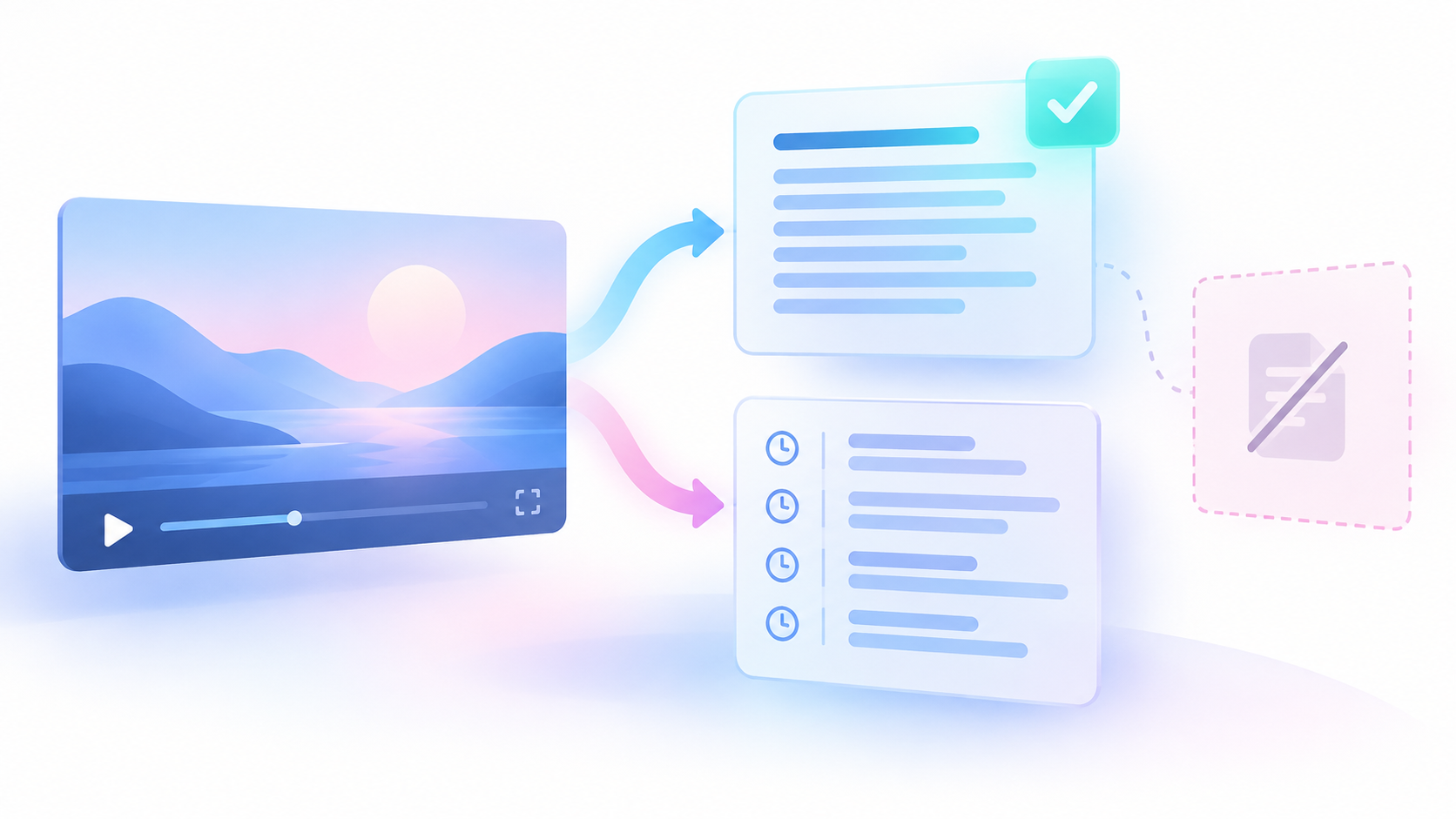
The useful result is an audit: a saved comparison that keeps checked entries, explicit unavailable notices and unresolved entries visible. It does not recover deleted or private video content. It also does not require you to remove or replace entries.
Start with the playlist record you already own
The first question is not which tool can find more videos. It is which saved record shows the playlist entries you want to check.
Use your own existing export or inventory. An export is a saved copy of records from a source. Keep the original file unchanged. Work in a separate copy so that later checks cannot replace the earlier evidence.
Record these details privately:
- The owner account associated with the record.
- The playlist name and playlist ID, if present.
- The date of the saved record.
- The file format and source file name.
- The record's scope, including any known gaps.
- Whether the source retained positions and repeated entries.
An ID is an identifier used to distinguish one record from another. A playlist ID identifies the playlist. A video ID identifies the video. These are different from the ID of an entry within a playlist.
If you have no saved inventory, record that limit before you proceed. You can inspect current entries and save the evidence you can see. You cannot use that current view alone to name every video that disappeared before the check.
The reader problem concerns hidden deleted or private entries. This method does not depend on a particular display control being present in your account. Inspect what your owner view exposes. Keep any remaining gap open rather than assuming that the visible list contains every earlier entry.
Keep playlist entries separate from videos
A playlist membership is one entry that connects a video to a playlist. One video can appear in more than one saved position. Those positions must remain separate in your audit.
YouTube's official `playlistItem` resource describes this distinction. The resource has its own ID, playlist ID, position and video ID. Its `snippet.publishedAt` time describes when the item was added to the playlist. That time is not the video's publication time. This is a schema reference, not proof that this research exported an owner's private playlist. YouTube PlaylistItems reference — checked 25 October 2026; resource structure only.
A schema defines the fields in a record. Use the official schema to understand fields that your source actually contains. Do not assume that your saved file contains every field in that schema.
Create a membership table with one row for each original entry:
| Saved field | What to keep |
|---|---|
| Source file and row | A reference to the original entry |
| Playlist ID | The saved playlist identifier, when present |
| Membership ID | The saved entry identifier, when present |
| Saved position | The position exactly as recorded |
| Video ID | The known video identifier, when present |
| Saved title | Earlier title evidence, when present |
| Membership date | The recorded addition date, when present |
| Source notes | Known gaps and field meanings |
These are proposed audit columns. They are not claims about fields returned by the metrics Actor.
If the source has no membership ID, retain the source file and row reference. If the video ID is missing, retain the row and mark it unresolved. Do not delete the entry because it cannot enter a public lookup.
Keep saved titles separate from current titles. Keep membership dates separate from video publication dates. Preserve unknown dates as unknown. The date of today's check cannot fill an unknown date in the older record.
Keep the saved position even if you later sort a working view. Sorting by a current title or video publication date must not replace the original order.
Follow the eight-step audit method
1. Define the inventory you will check
State which saved playlist record the audit covers. Count its membership rows before you collect current data. This is the expected membership count for that record.
If the record covers only part of a playlist, say so. A correct comparison of a partial record remains a partial audit. It cannot establish the playlist's full earlier contents.
2. Preserve every membership row
Copy the source fields into your working membership table. Check that the row count still matches the source record.
Retain repeated video IDs. A repeated ID is not an extra unique video, but each occurrence is still a separate playlist membership. Also retain rows with missing IDs, titles or dates.
3. Create a separate list of unique video IDs
Make a second table with one row per distinct known video ID. This list is for public metadata checks. Metadata means descriptive data, such as a title or publication date.
Keep the original memberships in the first table. Remove repeated IDs only from the second table. Record which membership rows connect to each unique ID.
Use known video inputs for this task. Public channel discovery has a different scope and does not establish membership in your saved playlist. The YouTube channel dataset guide explains that separate collection boundary.
4. Test one known video input
Start with one relevant video from your unique-ID list. Use the small Actor input shown below. An Actor is a hosted program that collects data. A Task is a saved input preset for that program.
Inspect the result before you add more IDs. Check the returned identity and status. A completed run alone does not prove that the intended video supplied useful data.
5. Attach results to the original memberships
Match each accepted result to its exact video ID. Then attach it to every membership with that ID. This operation is called a join: it connects rows through a shared identifier.
Keep the original membership rows even when there is no matching result. A result table must not become a replacement for the saved playlist record.
6. Inspect unresolved entries directly
Open the relevant playlist in your owner account. Inspect the known video page and source player when possible. Record an explicit visible reason if one appears.
Keep the reason's wording, source, check time and account context. If the source gives no clear reason, leave the entry unresolved. Do not choose a cause from a generic lookup failure.
7. Reconcile the counts
Reconciliation means checking that the saved entries and their audit outcomes account for the same total. Count memberships and unique video IDs separately.
Every original membership must have one audit state. Repeated videos must still occupy their original membership rows. The count checks below show how to confirm this.
8. Save the audit and decide what needs review
Save the original inventory, working membership table, unique-ID check table and evidence notes together. Keep the audit read-only after review.
Do not remove or replace playlist entries automatically. Decide separately whether to inspect an unresolved entry again or make a manual playlist change.
Use the metrics Actor for known public video checks
The Chronometrica YouTube Metrics Scraper documents public video metadata and metrics from known video inputs. A metric is a numerical measure, such as a view count. This documented scope fits the public check stage of the audit. It does not make the Actor a complete playlist export tool.
The public contract also supports bounded channel discovery. That feature does not supply evidence of your saved playlist membership. For this method, use your known video IDs or direct video URLs. A URL is a web address.
The following small input passed a static schema check. That check assessed the input structure only. No collection run was performed:
{"maxItems":1,"startUrls":["https://www.youtube.com/watch?v=dQw4w9WgXcQ"]}Replace the sample URL with one intended known video URL. The sample address is a schema example. It is not evidence of a useful result for your playlist.
The `startUrls` field holds the supplied inputs. The `maxItems` field limits the total metric rows across the run. Here, a limit of one suits a one-video first check. It does not check an inventory with several unique IDs. Before a later batch, set an appropriate limit and account for every intended ID.
Do not paste a playlist URL and treat it as a promise to export all members. The frozen contract does not support that claim.
You can also open the public youtube-engagement-metrics-tracker Task. Replace its sample inputs before use. The page and Task ID were found on 25 October 2026. Its authenticated saved input and execution were not checked.
The Actor reads public data. It does not read your owner-only playlist record or private videos. It does not recover private or deleted content. Its documented public metric fields include a comment count; this does not mean it collects comment records. These limits come from the checked contract, not a live test. Chronometrica Actor contract — checked 25 October 2026; public default-build schema and README, no paid run.
Save results without losing gaps
Keep a separate check table for the unique video IDs. Retain each attempted input even if its result is unclear.
| Saved field | Purpose |
|---|---|
| Intended video ID | Connect the attempt to the saved inventory |
| `inputUrl` | Retain the submitted source |
| `postId` | Check the returned video identity |
| `postUrl` | Retain the returned video address |
| `title` | Keep current title evidence separately |
| `publishedAt` | Keep the video publication time |
| `status` | Retain the returned result status |
| `scrapedAt` | Retain the collection time |
| `postMetricStatus` | Retain metric availability and precision details |
| Audit state and notes | Record your evidence-based decision |
The last row describes your own audit columns. Do not present those columns as Actor output.
Check `postId` before you accept a match. Do not use title similarity as the join rule. If a result lacks a clear matching identity, retain the attempt and investigate it.
Keep missing values as missing. A missing title is not evidence that the video was deleted. An unavailable view count is not zero views. A returned zero and a missing value have different meanings.
A resolved metadata result can still have unavailable metrics. Do not mark a playlist membership unresolved merely because an optional count is missing. Review the identity, returned status and available evidence together.
Likewise, a metadata result does not prove that you played the video. If playback matters, record a separate player check with its own time and context. This audit does not turn a metadata lookup into an availability test.
Use clear states for failures and direct evidence
Use these states in your own audit. They are working labels, not documented Actor status values.
| Audit state | Required evidence | Count treatment |
|---|---|---|
| Currently checked | Matching public metadata accepted for the known ID | Checked membership |
| Explicitly unavailable | A direct source shows a clear unavailable reason | Checked membership, reason retained |
| Unresolved | Missing ID, unclear result or no direct explanation | Unresolved membership |
For count purposes, checked memberships include both currently checked memberships and memberships with explicit unavailable evidence. Report those two groups separately as well.
An explicit reason applies to the recorded check context. Preserve that context. Do not turn an account-specific or time-specific observation into a claim about every viewer or all future checks.
A failed public lookup cannot distinguish private, deleted, regional or temporary limits on its own. The Actor contract states this limit. Keep the returned status as evidence, but do not rewrite it into a more specific cause. Chronometrica Actor contract — checked 25 October 2026; documented failure limits, no runtime test.
If a later check gives better evidence, add a dated result. Keep the earlier observation. A later successful lookup can close a current gap without explaining why the earlier attempt failed.
A recovered title also does not recover the original content. If your next task needs captions from a known video, use the separate YouTube transcript and missing captions guide. Keep caption evidence outside the playlist membership decision.
Work through an original fictional example
This example is original fiction. The IDs, entries and results are invented. It describes neither an export test nor a video availability test.
A saved inventory has three memberships:
| Saved position | Video ID | Public metadata check | Audit state |
|---|---|---|---|
| 1 | A | Matching result returned for A | Currently checked |
| 2 | B | No accepted result or direct explanation | Unresolved |
| 3 | A | Same matching result attached to this membership | Currently checked |
The unique-ID list contains A and B. The fictional lookup returns a matching result for A. It does not resolve B. Attach A's result to positions 1 and 3. Do not collapse those positions into one row.
The membership arithmetic is:
3 expected memberships = 2 checked memberships + 1 unresolved membership.
The separate identity count is:
2 unique video IDs = 1 resolved unique video ID + 1 unresolved unique video ID.
There are three memberships, not three unique videos. There are two checked memberships, not two separately resolved video IDs. These counts describe records, not people.
No explicit unavailable reason exists for B in this example. Therefore, the explicitly unavailable membership count is zero. That zero describes this evidence category. It does not mean that B is available, deleted or private.
The next action is to inspect B in the owner playlist and source player. Until direct evidence explains the result, its membership remains unresolved. Positions 1, 2 and 3 all remain in the audit.
Check the finished audit
Before you accept the report, complete these checks:
- Confirm that every original membership row remains present.
- Confirm that saved positions and repeated entries remain intact.
- Confirm that missing video IDs remain unresolved rows.
- Confirm that joins use video IDs and do not discard unmatched memberships.
- Confirm that membership dates, publication dates and check times remain separate.
- Confirm that every specific unavailable reason has direct evidence.
- Confirm that missing metric values have not become zero.
- Confirm that expected memberships equal checked memberships plus unresolved memberships.
- Report unique video IDs separately from memberships.
- State the inventory's scope and all remaining gaps.
The report should let another reader trace each decision to a saved membership and its evidence. A balanced total checks the accounting. It does not prove that the original inventory covered the full playlist.
Sources & further reading
- YouTube Data API: PlaylistItems — checked 25 October 2026; membership fields and date meanings, not evidence of a private playlist export
- Chronometrica YouTube Metrics Scraper — checked 25 October 2026; public default-build schema and README, no paid run or runtime-health test
- youtube-engagement-metrics-tracker Task — checked 25 October 2026; public page and Task ID present, saved input and execution not tested
- Reddit playlist question — published 26 May 2026, observed 25 October 2026; one reader problem, not evidence of demand or tool performance
By Chronometrica · Updated
Back to top ↑