Collection setup
To collect job data, use the Indeed Jobs Scraper Actor with a saved input from the Indeed Jobs Scraper Task Preset. Set one relevant query and country, `maxItems=2`, `maxPagesPerSearch=1`, and `saveOnlyUniqueItems=true`. Indeed attempts full details automatically; readers do not need a fetchJobDetails setting. Company enrichment via `scrapeCompanyDetails` remains separate.
The output schema includes `jobId`, `jobUrl`, `title`, `companyName`, `locationRaw`, `scrapedAt`, `descriptionStatus`, `descriptionText`, `descriptionSnippet`, and `descriptionHtml`. Here, `descriptionText` provides plain full-text content when available, `descriptionSnippet` holds preview text, and `descriptionHtml` serves as retained source-format evidence. HTML alone does not prove source identity or completeness. You must match source identity and inspect the actual full text.
The Actor status values are strictly lowercase `full` and `missing`. Snippet-only and unavailable categories function as reader review groups rather than promised Actor statuses. Status or length alone cannot prove complete text.
Collection method
- Set your collection purpose. Decide what source parts you need, such as duties and required conditions. This defines if the available text is enough. A simple word count cannot do this.
- Collect a small search sample. Keep source identity, text fields, status, observation time, and output. Inspect saved rows, caps, and failures.
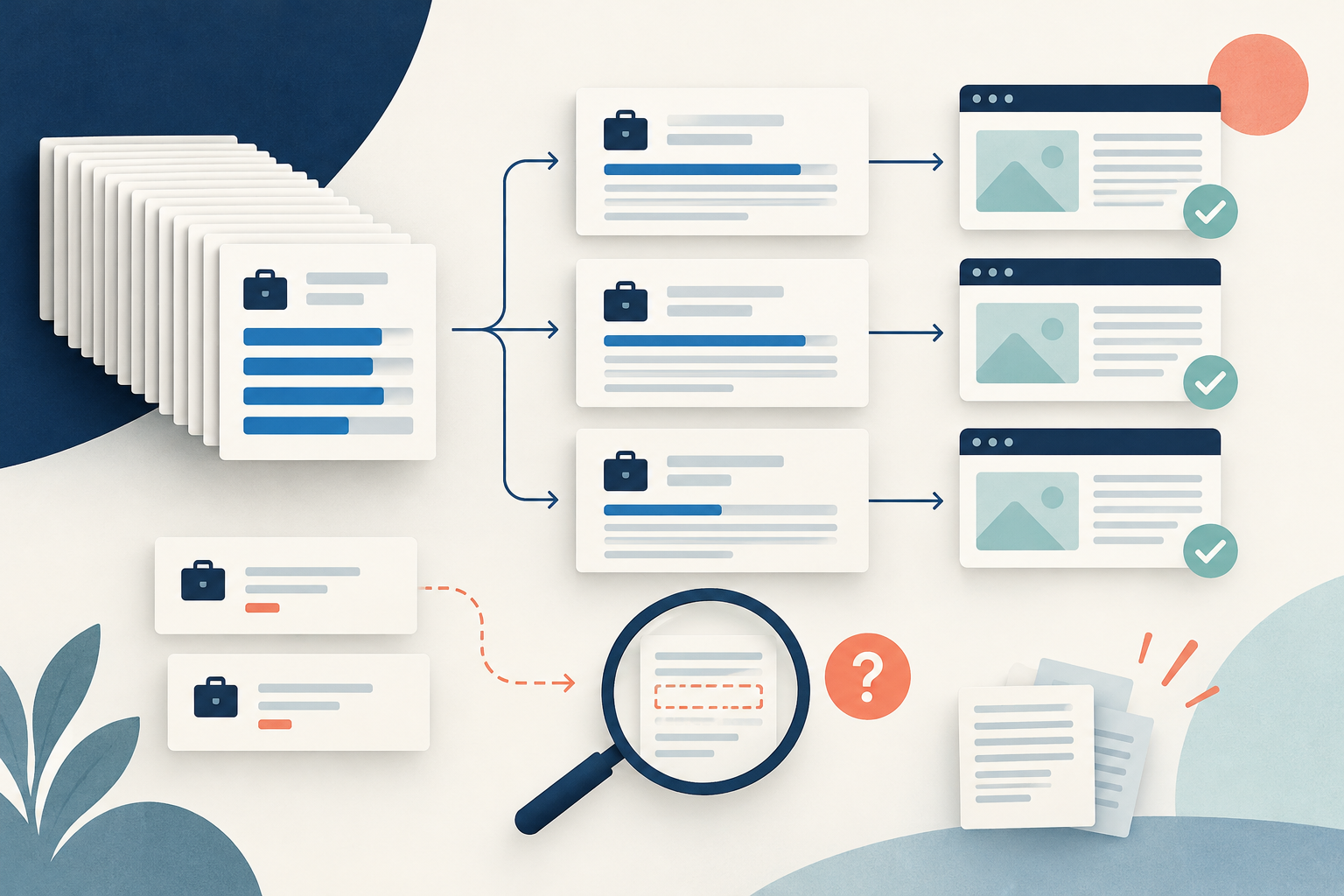
- Make three working groups: full detail candidate, snippet only, and unavailable. If the status says full but text is blank, send it to review. If a status is unknown, keep it and check instead of guessing.
- Open the exact job link and match the source job ID, title, company, and place. Confirm that extracted duties and qualifications match that role. Recommended jobs and search previews can have wrong text.
- Compare required source sections with the collected text. Missing material sections keep your analysis pending. Retain `descriptionHtml` as source-format evidence when helpful, but remember that HTML alone proves neither identity nor completeness. Log your check time because the source can change after the scrape.
- For snippet or unavailable cases, a later small retry may help if the source becomes open, but do not loop endlessly or break access limits. Use the official source manually if you can. Keep old and new checks separate. If full text stays away, leave that row out of your analysis.
- Save a readiness ledger with the job key, status, required sections, source match result, check date, and decision. Downstream analysis must use this gate, not a merged column that hides snippets.
Fictional example and results
All source text and checks in this section are invented. Four collected listings show how this works:
- J1 status is full. The text includes duties, work place, and rules. The job ID and company match the source. Accept this for the defined analysis.
- J2 status is missing, placed in the snippet-only reader group. The preview gives a short intro, but full qualifications are missing. Exclude this from requirement analysis until you check full text.
- J3 status is missing, placed in the unavailable reader group. The text is null. The source needs access that is unavailable. Keep it unknown.
- J4 status is full, but the long text names a different title and company than the requested job. Review the mismatch. Do not accept length or status as proof.
| Listing | Actor Status | Source Match | Decision |
|---|---|---|---|
| J1 | full | Match | Accepted |
| J2 | missing | Snippet | Pending |
| J3 | missing | Unavailable | Unknown |
| J4 | full | Mismatch | Review |
Actor labeled full rows are 2 of 4 or 50 percent. Source checked ready rows are 1 of 4 or 25 percent. These numbers measure different stages in this invented fixture. Neither claim is an Actor wide accuracy score.
If a later check gets proper detail for J2, append that new check. Readiness becomes 2 of 4 or 50 percent for this same four listing example. The old historical states stay intact. Do not rewrite the initial file or report the later value as initial coverage. The final artifact is a four row status and source match ledger where only J1 is initially cleared for requirement analysis.
Sources & further reading
By Chronometrica · Updated
Back to top ↑