- Start with a known profile roster and keep your original inputs. The Actor takes known profiles and cannot search all profiles by age, location, or follower count. A manual list is required first.
- Run one public profile first to test your setup. Check its canonical channelUrl, handle, channelId, status, statusReason, and observedAt against the public source. A useful row may be partial, and a name match alone does not fix a wrong target.
- Store identifiers as text strings and define your namespace as instagram:channelId. Do not mix Instagram channelId with other platform IDs just because numbers match. The fbid field is a Meta-linked identifier and is not a Facebook Page ID.
- Build a normalized input alias table from safe profile URLs and @handles while keeping the original input. Strip normal trailing slashes and query marks for comparison, but do not turn story or login routes into profile identities. Alias normalization is separate from the Actor's exact-string duplicate collapse.
- Group current observations by nonblank channelId values. Keep input-to-channelId edges and canonical channelUrl values. When one handle maps to different channelId values at different observation times, keep both records and check the public source without overwriting old data blindly. Missing history cannot explain why a conflict happened.
- Handle missing channelId values by keeping the canonical channelUrl or handle as weaker provisional evidence. Never merge accounts by display name alone. Keep blocked, private, or parser_miss rows outside the verified identity table. A local provisional key is tracking metadata, not an invented stable identity.
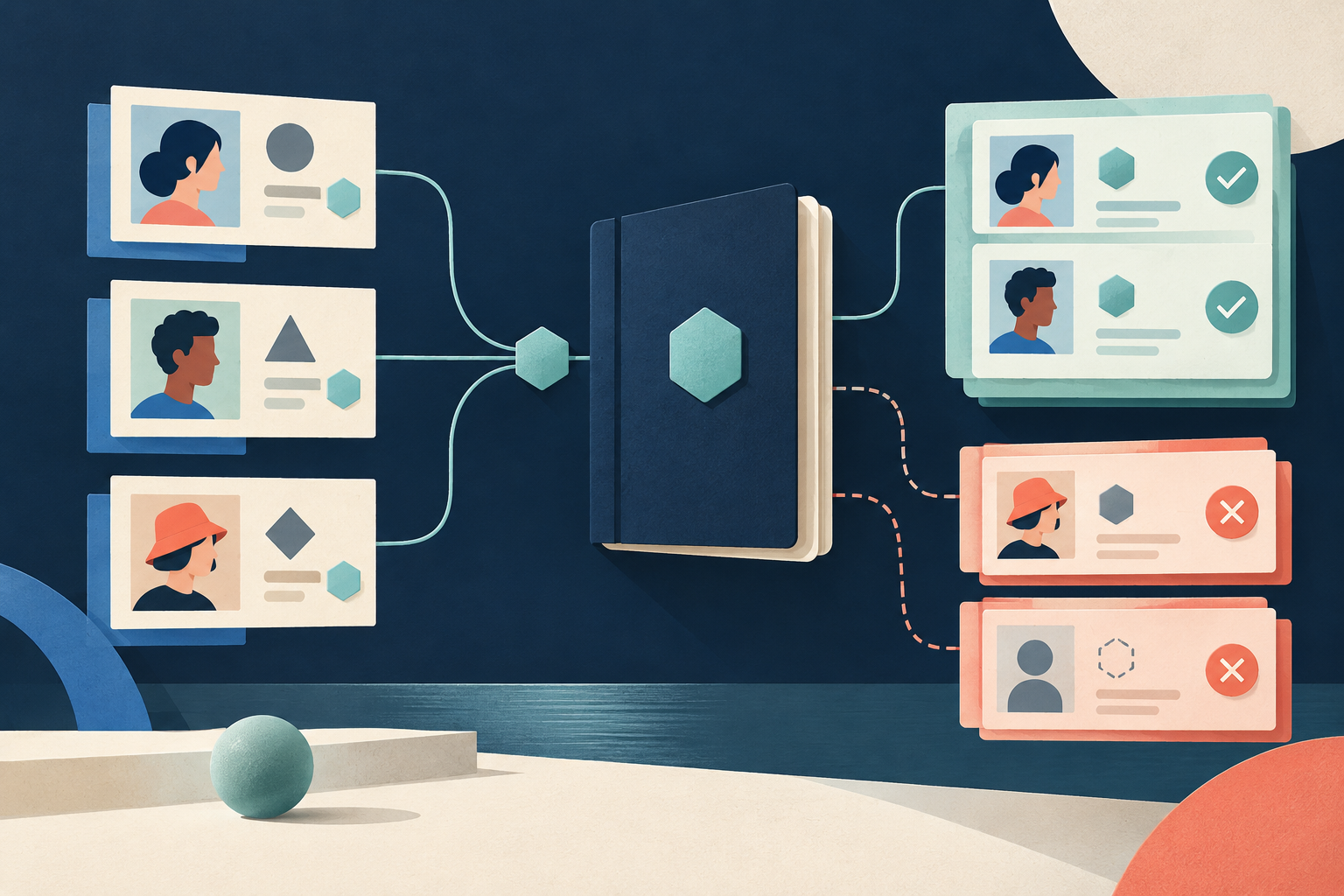
- Split your results into verified identities, input aliases, unresolved observations, and conflicts. Count known identities separately from input rows, useful rows, and observed handles. Explain any gap between source status and collected data before adding extra facts.
- Append a new observation with observedAt for later refreshes. The Actor does not return historical changes automatically, so you must check identity before comparing counts or link lists over time.
Worked example and tables
The following tables show original fiction to illustrate how the method works.
Roster-to-ID Alias Table
| Roster Row | Original Input | Raw Source channelId | Status | Canonical channelUrl | observedAt | Review State |
|---|---|---|---|---|---|---|
| R1 | @greenstudio | 10001 | ok | https://www.instagram.com/greenstudio | 2026-03-01 | Verified alias |
| R2 | https://www.instagram.com/greenstudio/?ref=sheet | 10001 | ok | https://www.instagram.com/greenstudio | 2026-03-01 | Verified alias |
| R3 | @green_studio | 20002 | ok | https://www.instagram.com/green_studio | 2026-03-01 | Verified alias |
| R4 | @summerlab | null | partial | https://www.instagram.com/summerlab | 2026-03-01 | Provisional |
| R5 | @private_notes | null | private | null | 2026-03-01 | Unresolved |
Two-Known-ID Register
| channelId | Associated Aliases / Inputs | Status Summary | Review State |
|---|---|---|---|
| 10001 | @greenstudio, https://www.instagram.com/greenstudio/?ref=sheet | ok | Verified identity |
| 20002 | @green_studio | ok | Verified identity |
Conflict and Review Rows
| Original Input | Raw Source channelId | Status | observedAt | Review State |
|---|---|---|---|---|
| @greenstudio | 30003 | ok | 2026-06-01 | Conflict with 10001 (no rename or sale proof) |
The verified table has two unique known identities, not five identities and not one display name identity. Rows R1 and R2 form two input aliases for channelId 10001. Row R4 is provisional because it lacks a channelId, and row R5 is unresolved because it is private. In a later fictional observation, @greenstudio maps to channelId 30003. Store this as an identity conflict with observedAt timestamps. It does not prove a rename, account sale, or impersonation. You must check edge tables and source facts before merging any conflicting rows.
Sources & further reading
By Chronometrica · Updated
Back to top ↑