This method has a current limit. A direct request to the supplied YouTube feed returned HTTP 500, meaning an internal server error, on 25 October 2026. That check did not verify a working feed or any video entries. It was one failed request, not proof that all YouTube feeds were down. YouTube feed: failed check on 25 October 2026; one request only
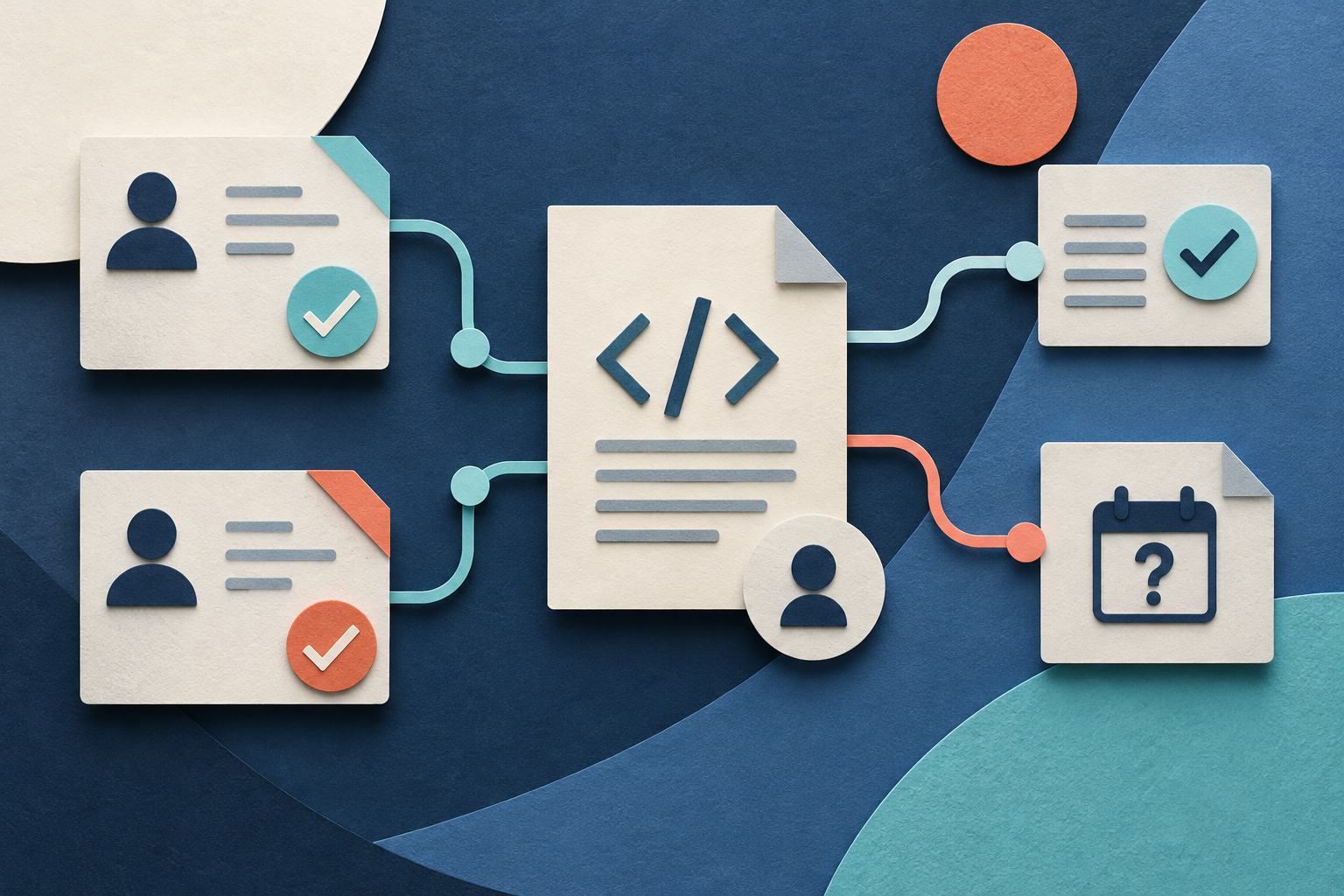
The useful result is a local channel register: a saved table of your chosen channels, their feed addresses, check times, and clear results. A failed feed stays in that table. Its missing upload information stays unknown.
Start with your own channel list
The reader question asks for subscriptions “without needing any accounts.” This guide covers a narrower task: checking feeds whose channel IDs and feed URLs you already know. Keep a local channel list and use manual channel checks when a required value is missing or a feed fails. Add a local feed reader when a checked feed meets your need.
A feed is a document that lists entries for a reader to collect. A feed reader is a program that checks those documents and displays their entries. RSS means Really Simple Syndication, a feed format. This guide uses an existing public channel feed. It does not create a feed server.
Choose a reader that can keep your list locally without an online reader account. No particular reader was tested for this guide. Check that requirement before you move your whole list into one.
A local feed subscription is a setting in your reader. It does not subscribe a Google account to the channel. It also does not provide owner-only channel records, such as private account subscription records. This method starts with public channel addresses that you choose yourself.
Keep these limits clear:
- The feed may show a recent set of entries. It is not a complete channel archive.
- A failed request gives no upload count.
- A feed address alone does not prove that the feed works.
- This method does not download videos.
- It does not promise delivery, refresh timing, or uptime.
Save a register before you add feeds
A URL is a web address. Save each original channel URL before you try to find its feed. Keep that address even if you later find a different standard address for the same channel.
Use a spreadsheet or another local table. The following are proposed register fields. Some use the Actor’s exact output names; the check fields are fields you maintain yourself.
| Field | What to save |
|---|---|
| `originalUrl` | The channel address you chose |
| `channelId` | The channel’s stable identifier, when resolved |
| `channelUrl` | The standard channel address returned for that identity |
| `displayName` | The channel name used during identity review |
| `rssUrl` | The returned public feed address |
| `status` | The Actor’s collection result, if you use it |
| `statusReason` | The Actor’s reason for that result, if supplied |
| `observedAt` | The Actor’s observation time, if supplied |
| `feedCheckedAt` | The time you requested and checked the feed |
| `httpStatus` | The response code, when available |
| `feedState` | Working, temporary failure, identity mismatch, or unresolved |
| `observedEntryCount` | The number of entries in a successfully checked response |
| `lastSuccessfulCheckAt` | The most recent time the feed passed your checks |
| `checkNote` | The failure reason or next action |
An identifier, or ID, is a value used to identify a record. Use the stable channel ID to connect later checks to the same channel. A handle is the channel address name that starts with an at sign. A handle can change. Do not use a matching display name alone as proof of identity.
Keep collection results separate from feed results. An Actor can return a channel ID and feed address without proving that the feed responds. Its `observedAt` value is not your feed check time. Its `status` field is not your `feedState`.
Use UTC, meaning Coordinated Universal Time, or record the time zone with every check. Keep an unknown time missing. Do not replace it with the time you next open the table.
Resolve the channel identity and feed address
Start with the known channel ID and feed URL for each channel. The supplied evidence does not explain how to obtain both values from a public channel page without a hosted account. This method therefore checks known values; it does not provide complete feed setup from a channel URL alone. Inspect the public channel page and match the intended channel, its standard address, and its display name before accepting the identity. Continue with the feed checks only when both required values are present. If either is missing, keep the row unresolved and check the public channel manually.
If the identity remains unclear, retain the original URL and mark the row unresolved. Do not choose another channel because its name looks similar.
For a collection step, Chronometrica’s YouTube Channel Scraper documents `channelId`, `channelUrl`, `displayName`, and `rssUrl` among its output fields. It also documents collection results and observation time. An Actor is a hosted data collection program. These fields fit the identity part of this method; they do not complete the feed check. Chronometrica public contract: checked 25 October 2026; no paid run
The supplied small input is:
{"startUrls":["https://www.youtube.com/@YouTube"]}`startUrls` is the input field for public channel URLs or handles. Replace the sample address with one public channel you want to follow. Start with one channel so you can inspect the result before you expand your list.
The public schema accepts one to 1,000 input values. That limit describes accepted input, not the number of channels this guide collected. This sample passed a check against the public input schema. No paid Actor run occurred. Any run you make is a proposed next action. Public default build: checked 25 October 2026; schema inspection only
A Task is a saved input preset. The public YouTube Channel RSS and ID Dataset Task page was present when checked. Its saved settings were not inspected through authenticated access, and the Task was not run. Replace sample values and inspect its settings before use. Public Task: checked 25 October 2026; presence only
Following a checked feed without a Google account is separate from using a hosted collection tool. The optional Actor step documents fields that can help with collection, but it was not run for this guide. The supplied evidence does not establish account requirements for every tool. If you want to avoid all hosted accounts, use channel IDs and feed URLs you already have. If either value is missing, keep your local list and use manual channel checks.
For help with a larger channel identity table, use the channel profile collection guide. Keep this guide’s next decision focused on whether each returned feed works.
Check the response before you import it
HTTP means Hypertext Transfer Protocol. It is the system used for web requests and responses. An HTTP response code reports the result of one request. Record that code with the request time.
XML means Extensible Markup Language. It is structured text. A browser may display it as raw text or a document tree. An HTML error page is a web page, not a checked feed. HTML means Hypertext Markup Language, the format used for web pages.
Use these checks in order:
- Open the returned `rssUrl`. Save the request time and HTTP result.
- Confirm that the response contains feed XML. Do not accept an error page as an empty feed.
- Match the channel ID in the feed to your expected `channelId`.
- Review the entry IDs and dates. Keep missing dates unknown.
- Count entries only after the response and identity checks pass.
- Open one entry, when present. Confirm that it leads to the intended public video and channel.
- Save the result in the register before adding the feed to your reader.
A successful HTTP response alone is not enough. It must contain the expected document for the expected channel. A document that opens but identifies another channel fails the identity check.
Likewise, readable XML alone does not complete the check. Confirm the identity and inspect the entries before you use their count. If a required check remains incomplete, state that limit in `checkNote`.
Enter zero in `observedEntryCount` only when a successfully checked, matching feed actually contains no entries. That zero describes the checked response. It does not establish that the channel has never uploaded a video.
For this guide’s actual request, the result was HTTP 500 at 2026-10-25T02:20:49.111779+00:00. No working feed, XML entries, or recent entry count was verified. Leave its entry count unknown. YouTube feed: checked 25 October 2026; HTTP 500 response
Use clear states when a check fails
Use the same state names each time. Keep enough detail to explain why you chose one.
| State | Meaning | Next action |
|---|---|---|
| Working | The response and identity checks passed | Add the checked address to the reader |
| Temporary failure | A previously checked feed failed on this attempt | Keep old entries and retry later |
| Identity mismatch | The returned identity differs from the intended channel | Resolve the identity before import |
| Unresolved | You lack enough evidence to accept the feed | Keep the channel and record the missing check |
“Temporary failure” means a feed request failed after an earlier successful check. Check the feed again later. This state does not promise that the feed will recover. Use “unresolved” for a first attempt that has not established a working feed.
A 404 response at one time is an observation. It is not enough to declare the whole channel deleted. Recheck the channel ID and public channel page before changing the register.
When a request fails, record the actual response and time. Retry later at a reasonable rate. Do not replace the last successful check time with a failed check time. Keep both so you can see when the feed last worked and when it most recently failed.
Retain old entries with their original dates. A later failure does not turn those entries into new uploads. If the feed still does not meet your need, use manual channel checks.
Add the checked feed and keep item identity
After a feed passes the checks, add that exact address to your local reader. Confirm that the reader accepts it and that one available entry opens the intended public video. A successful document check and a successful reader check are separate results.
This method uses YouTube’s existing feed. It does not require you to write XML. The guide to creating RSS from checked job rows covers that separate feed-building task. Use it only when you need to create your own document from source rows.
Deduplication means keeping one record for repeated copies of the same item. Deduplicate by a stable feed item ID or video ID. Do not use the title alone. Keep each item linked to its channel identity.
Save publication time separately from first-seen time. Publication time is the source’s time for the item. First-seen time is when your reader first recorded it. A reader that fetches an older entry today has not proved that the video was published today.
Keep a separate last-seen record if you need continuity between checks. It can contain the channel ID, item or video ID, publication time when known, and first-seen time. Preserve missing values rather than filling them with check times.
Expect a recent window rather than a complete upload history. If you stay offline long enough for older items to leave that window, the current feed cannot reconstruct the gap. Your saved entries can preserve what you already saw. They cannot prove what you missed.
Work through an original fictional example
This example is original fiction. It is not Actor output, a reader test, or the result of the failed public request described above.
Suppose your local register contains channel A and channel B. You check both on 26 October 2026. Channel A returns matching XML with 15 entries. One entry opens the intended video. Channel B returns an HTTP error page.
| Channel | Fictional check time | Response result | Observed entries | Feed state |
|---|---|---|---|---|
| A | 26 October 2026, 09:00 UTC | Matching XML; entry link checked | 15 entries | Working |
| B | 26 October 2026, 09:02 UTC | HTTP error page | Unknown | Unresolved |
Save A’s feed address as checked. Save B’s attempted address, actual check time, response, and next action. Keep B in the channel list.
The checked-feed share for this fictional register is:
`1 checked channel / 2 listed channels × 100 = 50%`
The units are channels. This means one of the two listed channels has a checked feed. It does not measure the share of all YouTube channels with working feeds.
The feed entry count for A is:
`15 observed entries in A's checked response`
That is an entry count, not a count of people. It is also not A’s lifetime upload total. The example gives no evidence that 15 is a fixed feed limit.
B’s count remains unknown. Do not record zero uploads. Do not claim that the two feeds together contain exactly 15 entries, because B’s response did not provide an accepted count. You can report 15 observed entries from the one successfully checked feed.
The next action is to import A and recheck B later. If B continues to fail, follow B through its public channel page. Neither action requires removing B from your intended list.
Sources & further reading
- YouTube public channel feed — checked 25 October 2026 at 02:20:49 UTC; HTTP 500; no feed entries verified
- Chronometrica YouTube Channel Scraper — public contract checked 25 October 2026; no paid runtime test
- YouTube Channel Scraper default build 0.1.21 — schema checked 25 October 2026; static inspection only
- YouTube Channel RSS and ID Dataset Task — public page checked 25 October 2026; saved input not authenticated; no run
- Public question about subscriptions without accounts — observed 12 August 2026; publication date unknown; one question only
By Chronometrica · Updated
Back to top ↑