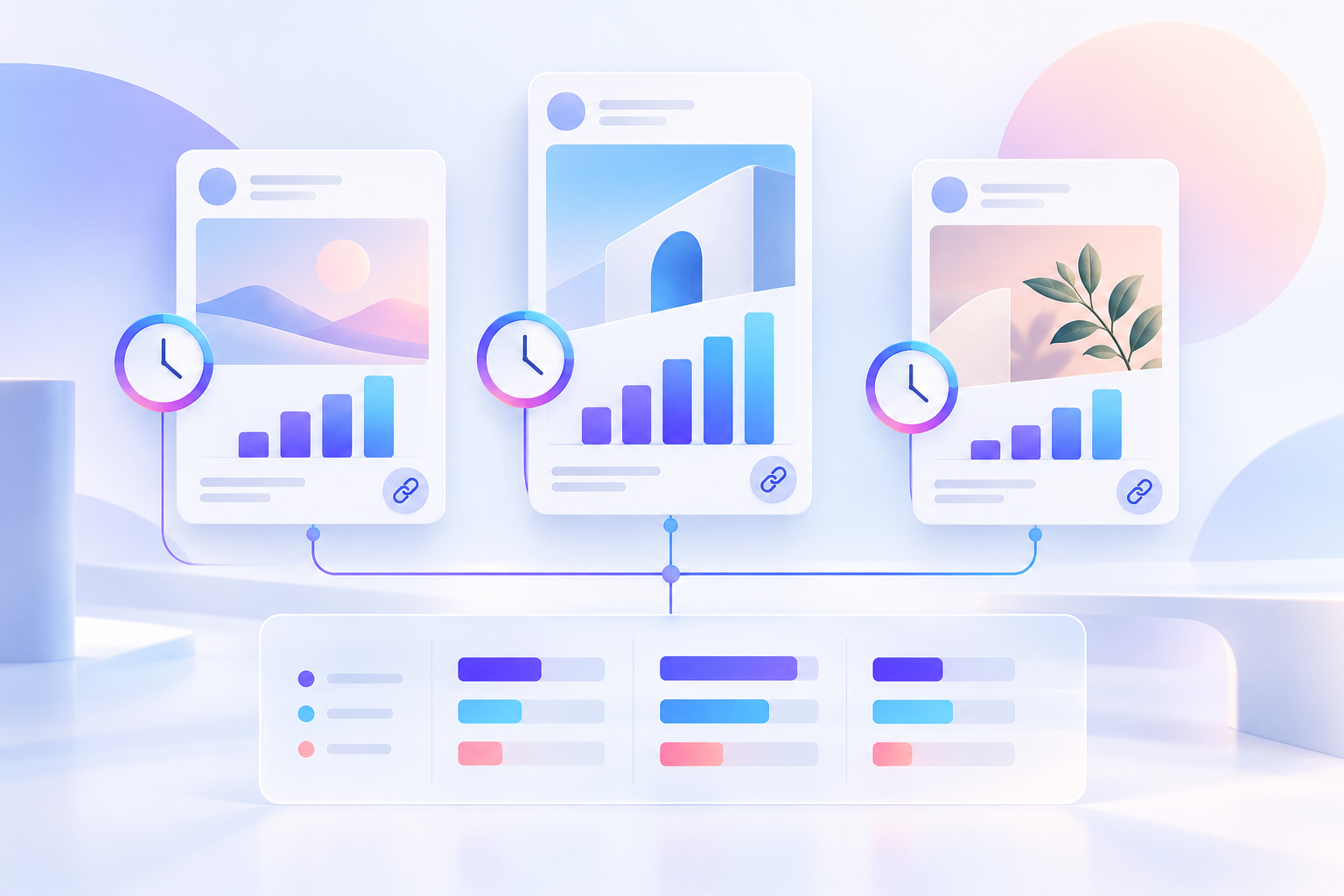
When you look at a Facebook post today, you only see its total numbers up to this minute. A post showing 1,200 views and 45 reactions does not tell you when people watched or reacted. You cannot tell if all 1,200 views happened in the first two hours or if people found the post weeks later. If you type today's numbers over last week's numbers in a single spreadsheet cell, you lose your past record forever. Once that past number is gone, you can no longer calculate growth speeds or spot when a post stopped gaining attention.
To build a reliable history, you need a table where you only add new rows at the bottom. You never edit or delete an old row. Every row acts like a page in a physical logbook. It records what a post looked like at one specific moment. By saving these separate checks over time, you build a clean history that shows actual changes.
How to Set Up Your History Table
A good tracking table needs plain, clear columns. You do not need complicated software or hard technical words to set this up. Every time you gather public data from a post, save a new row with core details like Content ID, Observation Time, Metric Name, Metric Value, and Precision.
When you pull public data using the Chronometrica Facebook Metrics Scraper, the tool returns rows to its Apify dataset, while its run summary is stored in key-value storage (OUTPUT). Your team then imports those dataset rows into your permanent history table. You can also add a run ID column in your internal table to group all posts checked during the same collection batch. This run ID is added from your downstream workflow metadata after the collector finishes. The scraper tool itself collects public pages and returns structured data, but it does not write directly to your database, send automatic alerts, or store a history for you.
When reading public data, keep counter names separate. Views, plays, reactions, likes, comments, and shares measure different actions. Combining two different counts into one homemade formula inside your raw log table makes your history confusing. If you want to review basic engagement definitions, see our guide on Facebook post performance public data for clear setup steps.
Gathering Data on a Regular Schedule
To see clear patterns, you need to check your target posts on a simple, repeating schedule. Doing this by hand with copy and paste takes too much time and leads to missed days and broken records.
You can gather public metric numbers automatically by using the Chronometrica Facebook Metrics Scraper. This tool takes a list of public Facebook links, visits those public pages, and returns the current visible numbers.
You can use scheduling tools like Apify Schedules to run your collection tool on a set pattern. However, keep in mind that schedules are target guidelines rather than guaranteed clocks. A scheduled run can start late due to web traffic or system queues. Because of this, always record the exact observation time (scrapedAt) when the scraper successfully reads the post, rather than assuming it ran at a synchronized global completion time.
For example, a team managing a specific campaign might choose to check new posts every four hours for the first day, once a day at the same time for two weeks, and once a week for older posts. This timing sequence is simply an illustrative workflow example for a campaign, not a proven rule required for every setup.
How to Handle Data Gaps and Skipped Checks
Public collection tools read public web pages. Sometimes a web page fails to load, a network connection drops, or Facebook temporarily hides a page. When a check fails, the collection tool leaves that post out of the main output or records it in a separate list of skipped rows (SKIPPED_DATASET_ROWS).
How you handle these missing checks determines whether your history stays accurate. You must follow three practical rules when a check fails:
First, a missing check is never a zero. If your collector misses a post at four in the afternoon, do not type 0 into your views column. Typing zero means the post lost all its views, which ruins your averages and creates fake drops on your charts. Leave the row missing or write skipped in your status column.
Second, do not invent fake numbers to fill the gap. Do not guess what the number might have been halfway through the missed time. Guessing introduces errors into your history table.
Third, adjust your time math when calculating changes across a gap. If a check at four in the afternoon fails, your next successful check at eight at night must be compared to the morning check at noon. The time between those two good checks is eight hours, not four hours.
How to Calculate Changes and Velocity
Before comparing two readings, make sure you match the exact same content identity, the same metric label, the same source definition, and the same precision level. Subtracting a view count from a play count or comparing two different posts leads to invalid numbers.
A change in performance is called a delta. You calculate a delta by subtracting an older number from a newer number for the exact same metric on the exact same post.
To find out how fast a post is growing, divide that change by the actual number of hours that passed between the two checks:
Hourly Growth Rate = (New Number - Old Number) / Hours Passed
A Fictional Worked Example
Let us look at an explicitly fictional example using one single post to demonstrate how these calculations work. In this fictional scenario, we track a campaign video over four planned checks, record exact numbers, handle a missed run, and compute the true growth speed.
On the first check at 8:00 AM, the post shows 1,200 views.
On the second check at 12:00 PM, the post shows 1,800 views.
On the third check at 4:00 PM, the collection run fails and the post is skipped. No new row is saved to the main table.
On the fourth check at 8:00 PM, the post shows 1,750 views.
Now let us process these numbers step by step to see what happened over the day.
From 8:00 AM to 12:00 PM, exactly 4 hours passed. The view count grew from 1,200 to 1,800. The change is 1,800 minus 1,200, which equals 600 views. To find the hourly growth rate, divide 600 views by 4 hours. This gives 150 views per hour. This shows steady morning growth.
At 4:00 PM, the check failed. We do not write zero, and we do not invent a fake number. We simply note that 4:00 PM has no valid data point.
At 8:00 PM, the check succeeds and shows 1,750 views. To calculate the change, look back to the last good check, which was at 12:00 PM with 1,800 views. The time passed between 12:00 PM and 8:00 PM is 8 hours. The change is 1,750 minus 1,800, which equals -50 views.
To find the hourly growth rate across this 8-hour window, divide -50 views by 8 hours. This gives -6.25 views per hour.
Understanding Drops and Platform Numbers
In our fictional example, the view count dropped from 1,800 to 1,750 between noon and eight at night. When marketers see a drop like this, public collectors record the numbers shown on public web pages, but they cannot tell you the internal reason behind a change. Public counter drops happen for various platform reasons that external tools cannot verify. Do not guess or assume a specific cause when a count goes down. Simply record the true drop in your table as a real observation.
If you need to analyze public comment threads or check text feedback on a post, read our guide on Facebook comments and customer feedback analysis for useful steps. If you want to know more about how public video labels differ, read our guide on Facebook video views, plays, and reach to understand what each counter means.
You must also handle rounded numbers carefully. Facebook often displays short summary numbers like 1.2K instead of full numbers like 1,243. When you calculate changes using rounded numbers, those calculated deltas are only approximate, not exact figures.
Furthermore, an unchanged rounded display is not proof of zero activity. If a post shows 1.2K views on Monday and still shows 1.2K views on Tuesday, people may still be viewing the video. The total count simply has not reached the next public jump point, such as 1.3K. Never assume a post had zero new views just because a rounded summary label stayed the same on screen.
Deciding When to Review a Post
Instead of setting rigid alert rules or relying on automatic software warnings, review your posts by comparing their current growth speed against their past pattern. A sudden shift in growth speed or a negative delta directs a check; its cause is unknown from counts alone. Look closely at a post when its growth speed changes significantly, when an older post shows a sudden movement, or when you record an exact-precision negative delta.
By saving every check as a new row, handling missed runs cleanly, and doing simple math based on actual hours passed, you build a clear history that shows exactly how your Facebook posts perform.
Sources & further reading
By Chronometrica · Updated
Back to top ↑