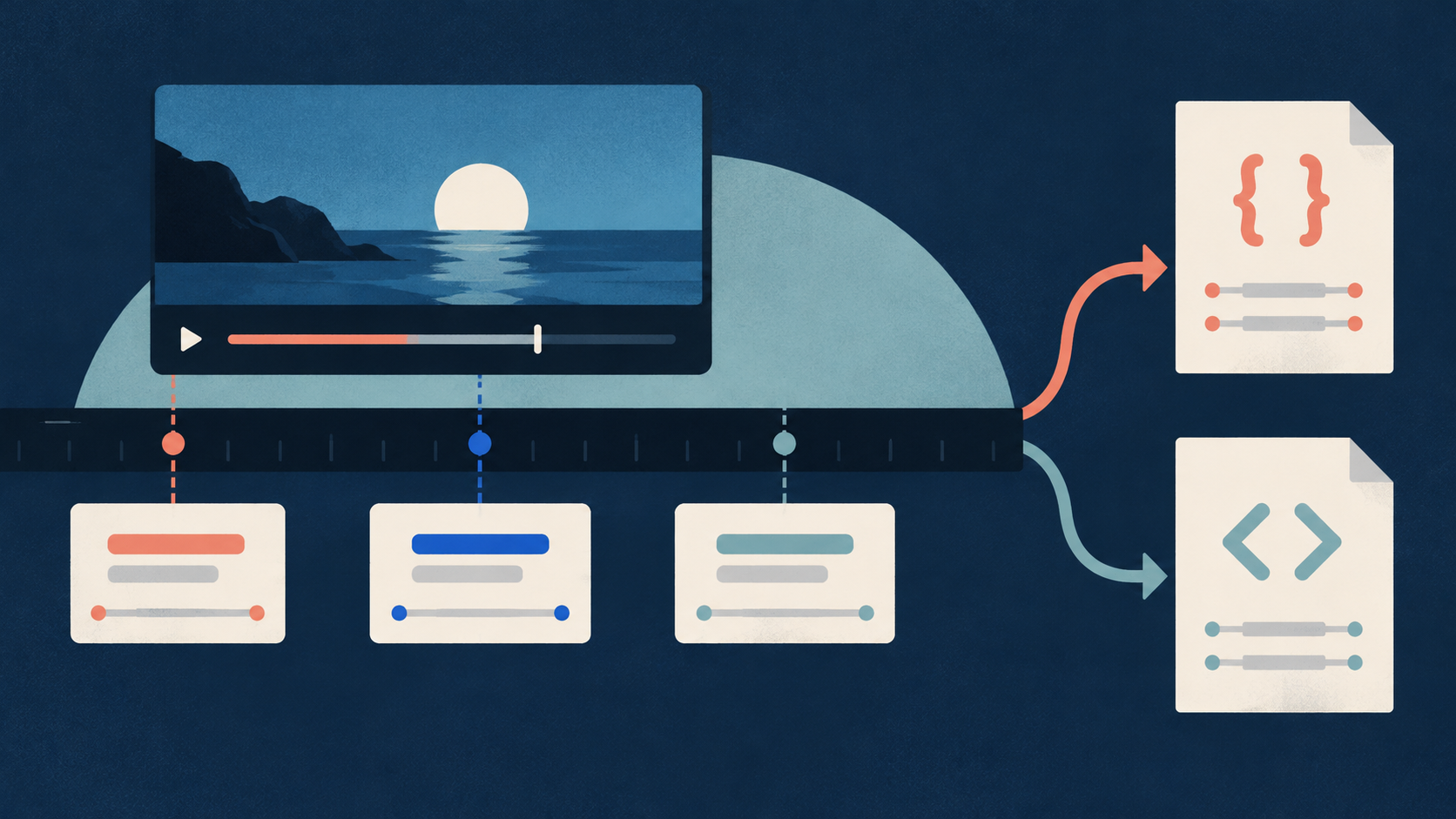
Start with the video you own or can edit. YouTube Studio, the owner’s video management interface, is where you add the description and check account access. A public caption tool can help you draft chapter start times. It cannot confirm your account settings or prove that the player accepted your chapters.
The method below produces two separate records: a checked chapter list and an account access check. Keep them separate so a correct list does not hide an unresolved access problem.
1. Confirm the video, duration, and owner access
A chapter is a named part of a video. Its timestamp gives its start time. Its duration is the time from that start to the next chapter, or to the video ending for the final chapter.
Before you edit, follow these steps:
- Open the exact video you intend to change.
- Confirm that you own it or have permission to edit its description.
- Record its video URL and video ID. The ID is the short code that identifies the video.
- Record its exact duration from the actual video.
- Keep a copy of the current description.
- Check Advanced features access in your owner account.
Record the access result as confirmed, unavailable, or not checked. An unchecked setting is unknown. Do not record it as unavailable.
Keep manual chapters separate from automatic chapters. Manual chapters are the timestamp and title lines you add. YouTube creates automatic chapters through a separate process. Manual chapters override automatic chapters, according to YouTube Help.
Do not treat missing automatic chapters as proof that your manual list is invalid. Check the manual list against its own rules. If you investigate automatic chapter eligibility, keep that result in a separate note.
A public caption result cannot establish these owner account facts. Check them in the account that manages the video.
2. Draft chapter starts from the real video
A chapter boundary is the point where one chapter ends and the next begins. Choose boundaries from the video’s content before you check their spacing.
Watch the opening, each topic change, and the ending. Place each start where the next topic actually begins. A spoken heading may help, but the video may also change topic through a silent demonstration or an on-screen action.
Use this sequence:
- Write a short list of the video’s main parts.
- Watch the start of each part.
- Record a proposed start time.
- Write a short title that describes that part.
- Watch the transition again to confirm the time and title.
Keep the first start at 00:00. Give the opening a useful title that matches its content.
Use titles that help a viewer choose a part. “Prepare the materials” gives more information than “Part two.” Check that the title describes the chapter as a whole. A brief mention of a topic does not always justify naming the whole chapter after it.
Timed captions can help you locate spoken topic changes. They cannot confirm a silent visual change. Watch each proposed boundary even when the caption wording looks clear.
This task divides your own video into chapters. If you only need to find one explanation in someone else’s lesson, the concept navigation guide addresses that narrower task. A useful study interval does not have to serve as a chapter in a complete published list.
3. Use existing captions when they help
You can prepare manual chapters by watching the video alone. Use captions when they make it easier to locate likely topic changes.
A caption track is a set of timed text segments for one video. A segment is a text passage with a start and an end. A transcript collects those passages.
The YouTube Transcript Scraper reads existing public caption tracks. An Actor is a hosted program that collects data. A Task is a saved input preset for an Actor.
The documented Actor accepts direct public YouTube video URLs or IDs. It does not accept channels, playlists, or search pages as collection input. It does not create new text from speech or download audio or video. If captions are missing, continue by watching the video manually.
The supplied small input is:
{"includeFailedInputDetails":true,"outputFormats":["json"],"preferredLanguages":[],"startUrls":["https://www.youtube.com/watch?v=dQw4w9WgXcQ"]}Replace the whole sample list in `startUrls` with the URL of your intended public video. The sample URL only shows valid input structure. It is not evidence that this video is useful for chapter preparation.
The settings have these roles:
- `startUrls` contains the video input. Use one video for this check.
- `outputFormats` requests JSON, a structured text format that preserves segment timing.
- `preferredLanguages` is empty, so the Actor selects the best available caption track. This does not promise English.
- `includeFailedInputDetails` requests failure details in the run’s OUTPUT record. OUTPUT is the run summary.
If you set language preferences, the Actor tries them in order. If none is available, it reports a language-unavailable failure rather than silently selecting another language. Check the returned language before you use the captions.
The public timestamped transcript Task is a documented starting point for this work. Its page and Task ID were found in the supplied source check. That check did not inspect authenticated saved input or run the Task. Inspect the input yourself before starting a run.
The sample input passed the supplied schema check, which checks input structure. No paid Actor run was performed for this article. All collection steps here are proposed reader actions.
Check the caption result before using it
After your own run, confirm the video identity and selected language. Inspect `videoId`, `videoUrl`, `transcriptLanguageCode`, `status`, and `statusReason`. Then read the run OUTPUT for failed-input details.
Each successful unique video produces one dataset row, meaning one video result. A failed input does not become a successful transcript row. An absent row therefore needs a failure check; it does not prove that the video has no useful chapter boundaries.
For each returned segment, use `text`, `startSeconds`, and `endSeconds` to locate the passage. Preserve `durationSeconds` as returned, including a null value. Null means the value is missing or unknown. It does not mean zero seconds.
Treat `videoDurationSeconds` the same way. If it is missing, obtain the duration from the actual video. Do not use the final caption end as the video ending. The video may continue after speech stops.
Language information, caption source information, and `videoCoverageRatio` do not prove word accuracy. Keep the original result and verify proposed starts in playback. The Actor’s public contract supports caption collection, not automatic approval of your chapter list.
Chapter timestamps also differ from subtitle cues. A subtitle cue has its own text display start and end. Use the subtitle conversion guide if you need subtitle files. You do not need to convert captions into subtitle files to add manual chapters.
4. Check the format and every chapter duration
Once you have useful boundaries, write one timestamp and title on each description line. Start the first line at 00:00. Include at least three lines, with each time later than the previous time.
Reject duplicate times. Reject times outside the video. A timestamp at or beyond the ending cannot start a chapter of at least 10 seconds.
Convert each start time into seconds for the duration check. Multiply the minutes by 60, then add the seconds. For example, 01:20 is 1 × 60 + 20 = 80 seconds.
For each chapter except the last, subtract its start from the next start. For the final chapter, subtract its start from the video duration.
Every result must be at least 10 seconds. Check all results, including the final one. A list can have valid gaps between its visible timestamps while leaving too little time after the last timestamp.
If a chapter is too short, return to the content. Decide whether to combine it with a nearby chapter or choose a different boundary that still matches a real topic change. Then repeat the duration check. Do not move a time only to satisfy the arithmetic if the new time mislabels the video.
YouTube’s official rules require the 00:00 start, at least three increasing timestamps, and a minimum chapter length of 10 seconds. Passing these checks establishes format compliance. It does not establish account access or player acceptance.
5. Worked example: an original fictional two-minute video
This example is original fiction. The video, titles, and proposed edits are invented. No real owner video was edited, and no published player was checked. The arithmetic teaches the duration check only.
Assume the fictional video ends at 02:00. That is 2 × 60 = 120 seconds. Its proposed description lines are:
00:00 Prepare
00:35 Collect
01:20 CheckThe starts are 0, 35, and 80 seconds. Check each chapter:
| Chapter | Start | Next start or video ending | Calculation | Duration |
|---|---|---|---|---|
| Prepare | 00:00 | 00:35 | 35 − 0 | 35 seconds |
| Collect | 00:35 | 01:20 | 80 − 35 | 45 seconds |
| Check | 01:20 | 02:00 ending | 120 − 80 | 40 seconds |
All three chapters last at least 10 seconds. The first start is 00:00, and the three starts increase.
The durations also total 35 + 45 + 40 = 120 seconds. That matches the fictional video duration. This total checks the arithmetic. It does not prove that the titles match real content or that YouTube will display chapters.
Now suppose you add a fourth chapter at 01:55. Its start is 1 × 60 + 55 = 115 seconds.
The preceding chapter would last 115 − 80 = 35 seconds. That gap passes. But the final chapter would last only 120 − 115 = 5 seconds. It fails the 10-second rule.
Remove or revise that proposed boundary after reviewing the fictional content. Do not add 02:00 as another chapter start. That would give a final duration of 120 − 120 = 0 seconds.
In a real check, an unknown ending must remain unknown until you inspect the video. You cannot approve the final chapter duration without it.
6. Save the description and inspect the player
After checking the content, format, and durations, publish the list through the owner account:
- Open the owner video in YouTube Studio.
- Keep a copy of the previous description.
- Add the checked timestamp and title lines to the description.
- Save the description.
- Open the saved video page.
- Confirm that the description contains the intended lines.
- Inspect the player to see whether chapters appear.
- Check the displayed chapter starts against the intended topic changes.
Record the result you observe. “Description saved” and “chapters displayed” are separate results. Saving the text does not by itself confirm that the player shows chapters.
If chapters do not appear, recheck the saved lines, durations, and Advanced features access. Do not report successful publication based only on a draft or a format check. The supplied sources do not establish a guaranteed display result or a fixed waiting period.
7. Keep a chapter table and a separate access record
Save enough information to repeat the check after an edit. A version is one saved state of your chapter list. Give each version a label and a check date.
Use one row per chapter:
| Saved field | What to record |
|---|---|
| Video ID and URL | The exact video you checked |
| List version | The version used for this edit |
| Video duration | The confirmed duration in seconds |
| Chapter order | Its position in the list |
| Chapter title | The text placed in the description |
| Start time | The description timestamp |
| Start seconds | The same start expressed in seconds |
| Next start or ending | The value used to calculate duration |
| Chapter duration | The subtraction result, in seconds |
| Content check | What you saw at the boundary |
| Check date | When you reviewed this version |
Keep a separate video-level record for edit access, Advanced features access, the saved description, and the observed player result. Include unknown states where you have not completed a check.
If you use captions, also retain the selected language, `scrapedAt`, and any failure note. `scrapedAt` records the caption collection time. It is not the time you checked the owner setting or the player.
After cutting or replacing the video, recheck all later chapter starts. Reconfirm the full duration and final chapter length. Earlier arithmetic applies to the earlier version.
8. Choose the next check from the failure state
Use the observed failure to decide what to inspect next.
| Observed state | Next check |
|---|---|
| First timestamp is not 00:00 | Correct the first line and review its title |
| Fewer than three timestamp lines | Review the content for a valid complete list |
| Duplicate or decreasing times | Correct the order and recalculate durations |
| A chapter is shorter than 10 seconds | Review that boundary and nearby content |
| Final duration is unknown | Confirm the actual video ending |
| Captions are unavailable | Watch the video manually |
| Requested language is unavailable | Review the failure and your language choice |
| Saved description differs from the draft | Correct and save the intended version |
| Format passes but chapters do not appear | Check owner access and record the unresolved player result |
A missing caption track is a collection limit. It does not establish an account access problem. A correct public transcript does not establish owner access either.
If all documented checks pass but the player still lacks chapters, keep that result unresolved. Preserve the checked list and account observations. The supplied evidence does not identify every possible cause, so do not assign a cause without evidence.
Sources & further reading
- YouTube Help: Video Chapters — checked 25 October 2026; manual chapter rules, override behavior, and Advanced features guidance; no display guarantee
- YouTube Transcript Scraper — checked 25 October 2026; public default-build 0.1.43 contract; no paid run or runtime test
- Timestamped transcript Task — checked 25 October 2026; public page and Task ID presence only; saved input and execution not tested
By Chronometrica · Updated
Back to top ↑