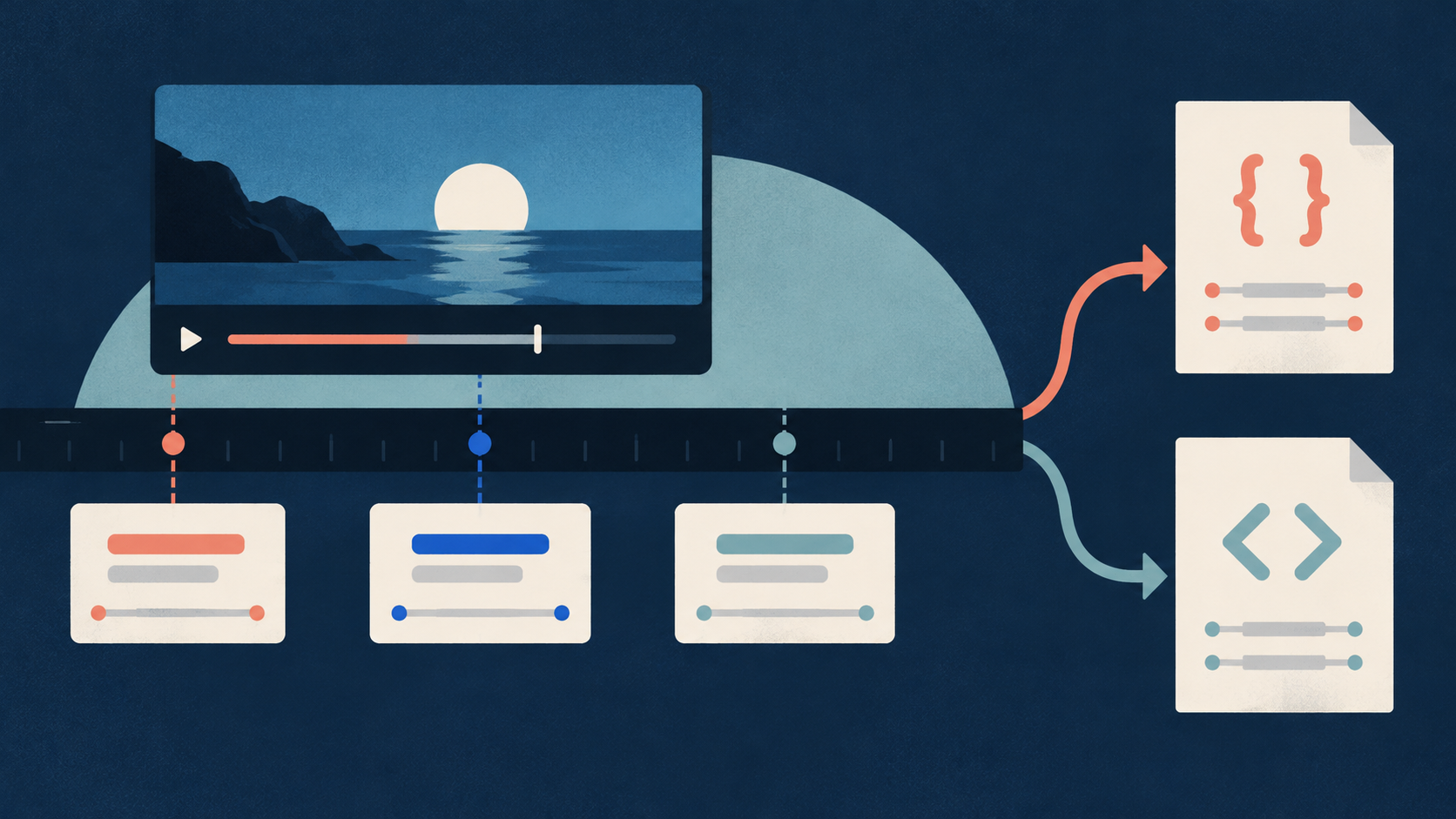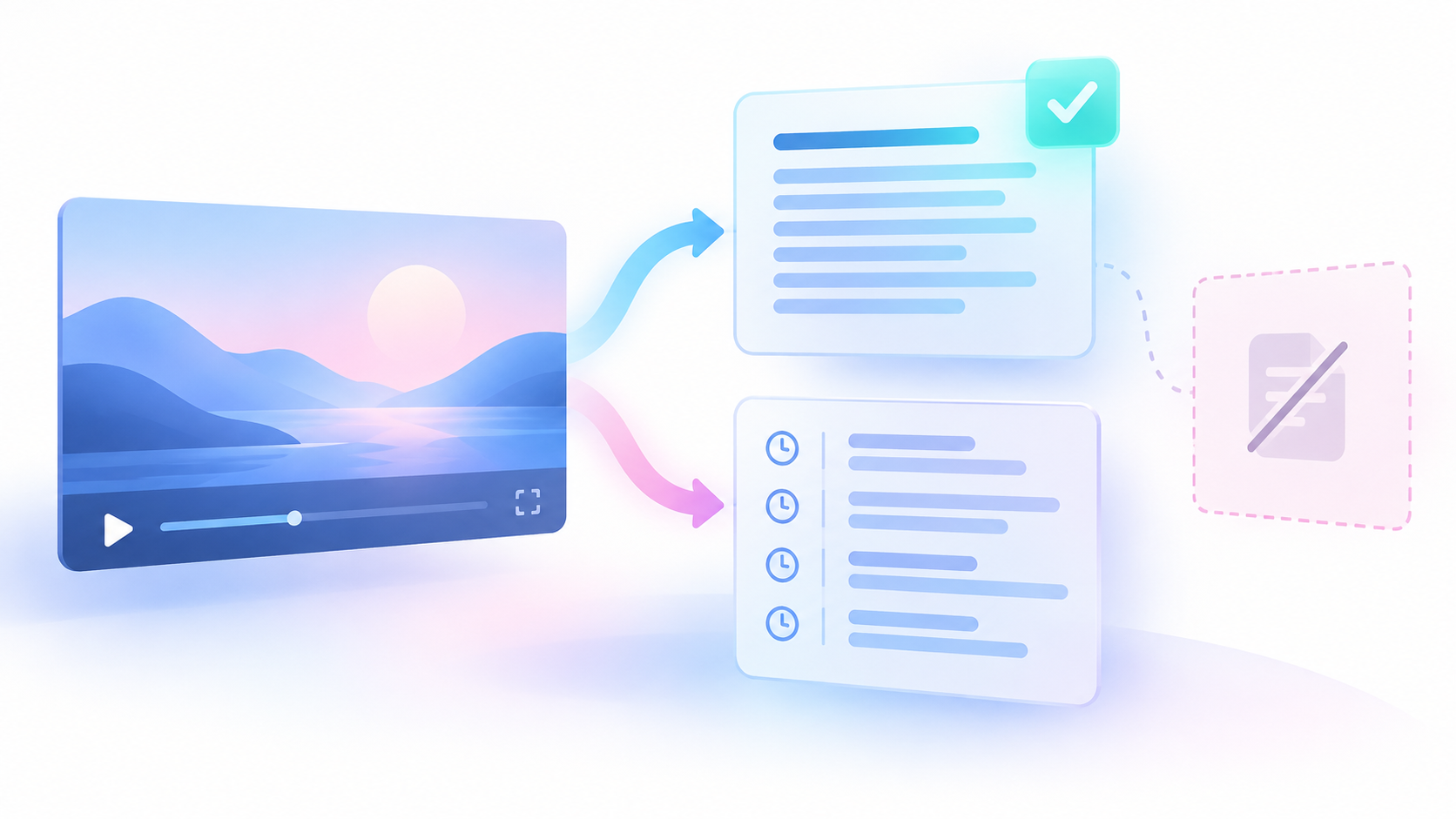
Start with a manual review of the video, its audio, and its captions. A caption track is one selected set of captions, usually in one language. A caption cue is a text block with a start time and an end time. Existing cues give you a starting point. They do not prove that the captions convey every needed sound or speaker change.
The result of this method is a saved review record and a separate revised caption edition. It also identifies visual information that needs another form of access. This is a caption-content review. It does not certify legal compliance or compliance with the Web Content Accessibility Guidelines, known as WCAG.
Set the scope before you review
The reader complaint that subtitles appear “only sometimes” points to a useful check: review the complete video, including the spaces between caption cues. That complaint is one observed reader problem. It does not establish how often the problem occurs. Public reader complaint.
An empty space between cues can be correct when no needed audio occurs. It can also contain an omitted warning, an off-screen voice, or another sound that explains an action. You cannot decide which case applies by reading the caption text alone.
- Select one video and one caption language.
- Record the video URL, video title, and selected track.
- Set the scope to the complete current video. Record its start and end times.
- Save the raw timed captions before you change them.
- Record the review date and the source of the captions.
- State which output you will prepare: revised captions, a descriptive transcript, or both.
Keep the scope narrow enough to describe clearly. If you review only part of a video, name that range and mark the rest as unreviewed. Do not call a sample check a complete review.
If public captions are missing, use the caption availability guide to check the source. Missing captions are a separate problem from captions that omit sound context. An extraction failure also needs its own diagnosis.
Save timed source text without changing it
You can review captions manually in the video player. If you also need a saved timed copy, the Chronometrica YouTube Transcript Scraper can collect existing public caption tracks. An Actor is a hosted data collection program. It supplies source text for this review; you must still watch and listen.
The current documented Actor reads direct YouTube video URLs or video IDs. It does not accept channel, playlist, or search input. It does not create speech-to-text or download audio or video. It does not listen for sounds or create speaker labels. Its documented fit here is to preserve existing caption text and times.
The following small input selects JSON, a structured text format that preserves caption segments. This is a proposed input, not a run result.
{
  "startUrls": [
    "https://www.youtube.com/watch?v=dQw4w9WgXcQ"
  ],
  "preferredLanguages": [],
  "outputFormats": ["json"],
  "includeFailedInputDetails": true
}Replace the sample URL with your intended video URL before use. The sample does not show that this review method produced a useful result for that video.
An empty `preferredLanguages` list lets the Actor select the best available track. If your review requires a specific language, set its language code and check the returned language. Preferences are tried in order. If none match, the Actor reports a typed language-unavailable failure instead of selecting another language.
Keep `includeFailedInputDetails` enabled so the run `OUTPUT` record can include failed-input details. Successful unique videos produce dataset rows. Failed inputs do not. An empty dataset therefore does not, by itself, establish that captions are absent.
Save these returned fields when available: `videoUrl`, `videoId`, `transcriptLanguageCode`, `transcriptLanguageName`, `isAutoGenerated`, `scrapedAt`, and `segments`. Each segment contains `startSeconds`, `endSeconds`, `durationSeconds`, and `text`. Preserve the raw values. A missing duration is not a zero-second duration.
The timestamped JSON preset is a documented starting point. The frozen evidence confirms its public page and preset ID only. It does not establish saved input, a paid run, or current execution success.
Watch the complete video and record candidates
A candidate is a passage that may need a sound cue, a speaker cue, or a separate visual explanation. Record candidates before you decide which changes to keep.
- Watch and listen from the start of the scoped video to its end.
- Compare the audio with the selected captions throughout playback.
- Record each speaker change that affects understanding.
- Record off-screen speech when the speaker may be unclear.
- Record non-speech sounds that may explain an action or tone.
- Record needed visual information in a separate category.
- Replay each uncertain passage before you make a decision.
Check openings, pauses, scene changes, and endings. Review spaces between captions as carefully as the captioned speech. A warning can occur during a pause. A voice can enter before the next visible speaker appears.
For each candidate, save a start time, an end time, and a plain description of what you heard or saw. Keep observation separate from interpretation. For example, record that a short beep occurs before the presenter changes direction. Then assess whether the source supports calling it a warning.
Automatic captions need review. YouTube lists pronunciation, accents, dialects, and background noise among factors that can affect their accuracy. A successful extraction does not check the words or the sound context. YouTube guidance on automatic captions.
Flag uncertain spoken words for a separate word check. Keep this review focused on speaker context and needed sounds. Do not let it become a second full method for technical-term correction or quotation checking.
Decide what the captions need to convey
Use the same question for each sound: does this sound help the reader understand what happens, what a person means, or why an action follows?
An alarm may explain a sudden stop. A door knock may explain why someone turns away. Laughter may change the meaning of a spoken response. Music may matter when it carries needed information about the scene. These are candidates for review, not instructions to label every alarm, laugh, or music passage in the same way.
An incidental click may add nothing to the meaning. Record the reason for excluding it if you considered it during review. This gives the next reviewer a decision they can inspect.
Use concise descriptions that the source supports. Do not name a sound source that you cannot establish. If you hear a beep but cannot identify its purpose, keep that uncertainty in the review record. Hold an unclear cue for another review rather than presenting a guess as fact.
Speaker labels need the same care. Use a name only when the source establishes the identity. Do not identify a person from voice alone. When the name is unknown, use a clear provisional label, such as “Off-screen speaker 1.” Provisional means that the label may change after further review.
Keep that label stable while the evidence supports it. If you cannot establish whether two passages have the same speaker, record the uncertainty. Do not make a count of labels into a claimed count of people.
W3C describes captions as including dialogue, speaker information, and meaningful non-speech sound. That guidance supports checking these elements. It does not establish that any particular caption track contains them. W3C guidance on prerecorded captions.
Keep a review table and a separate revised edition
Save one row for each candidate. Your review table is an editorial record that you create. It is not an Actor output table.
| Saved field | What to record |
|---|---|
| Review ID | A stable reference for the candidate |
| Source and track | Video URL, caption language, and source-copy reference |
| Time range | Start and end times, with units |
| Candidate type | Speaker, non-speech sound, or visual information |
| Raw caption text | The unchanged source text, or an explicit absence note |
| Source observation | What you heard or saw at that time |
| Proposed change | Draft cue text or a separate descriptive-transcript note |
| Decision | Adopt, exclude, or unresolved |
| Reason | Why the information matters, or why you excluded it |
| Review status | Reviewer, date, and playback-check result |
Distinguish an empty caption interval from unavailable source data. “No cue in this saved interval” means that you inspected a usable source copy and found no cue there. “Caption source unavailable” means that you could not make that check. Neither state means that the audio contains no meaningful sound.
Keep proposed cue text in a separate revised edition. Preserve the original captions so another reviewer can compare the change with the source. Save the reason when you replace a provisional speaker label or revise a sound description.
Do not use caption counts, word counts, or `videoCoverageRatio` as proof of completeness. A coverage value can describe the caption span while important information is missing inside it. A missing value also remains missing; do not replace it with zero.
Check cue timing and needed visual information
A correct sound description can still mislead if it appears at the wrong time. Replay each changed passage with the revised captions visible.
- Check that the sound cue appears when the relevant sound occurs.
- Check that a speaker cue refers to the correct speech passage.
- Read the cue with the spoken words that appear beside it.
- Check that the added text does not hide or conflict with needed words.
- Replay the transition before and after the change.
- Record any timing or reading problem that remains.
Do not assume that one caption style suits every reader. Use the preview to assess the actual revised track. Keep any unresolved style decision visible in the handoff record.
If you need subtitle files for playback, follow the SRT and VTT conversion guide. SRT and VTT are timed subtitle file formats. That separate guide covers file handling; this review decides what sound and speaker information the cues need to convey.
Review silent visual information separately. For example, a diagram may display an instruction that no one reads aloud. Adding sound cues does not supply that instruction. Record the visual time range and the needed explanation in a separately labeled descriptive transcript when appropriate.
A basic transcript contains speech and needed non-speech audio information. A descriptive transcript also adds needed visual information. A caption export may therefore need additions before it works as a complete reading document. W3C guidance on transcripts.
Worked example: a fictional safety lesson
Original fiction: All times, observations, captions, and decisions in this example are invented for teaching. No source video or Actor run was tested. The example covers one complete 60-second safety lesson and one caption track.
The presenter changes direction after a beep. An off-screen person later gives a short instruction. Laughter occurs during a response. A quiet click occurs near the end. A silent diagram also contains a needed instruction.
| ID | Range in seconds | Fictional observation | Proposed treatment | Decision |
|---|---|---|---|---|
| A1 | 12 to 13 | A warning beep explains the change in direction | Add “[warning beep]” at the sound | Adopt |
| A2 | 20 to 22 | An unnamed off-screen voice says “Wait here.” | Add “Off-screen speaker 1:” to the speech cue | Adopt |
| A3 | 42 to 44 | Laughter may change the tone of a reply, but remains unclear | Hold the sound description for another review | Unresolved |
| A4 | 50 to 50.5 | A quiet click adds no needed meaning | Add no sound cue | Exclude |
| V1 | 30 to 34 | A silent diagram gives a needed instruction | Describe the instruction in a separate descriptive transcript | Adopt separately |
The fictional source establishes that the beep is a warning. Without that evidence, the reviewer would need a less specific description or an unresolved decision. The off-screen label remains provisional because the person's name is not established.
The beep lasts 13 seconds minus 12 seconds, which equals 1 second. The off-screen speech passage lasts 22 seconds minus 20 seconds, which equals 2 seconds. These ranges locate the evidence. They do not prove that the proposed cues are easy to read.
There are 4 audio candidates: 2 adopted + 1 unresolved + 1 excluded = 4 candidates. The separate visual item is not part of that audio count. These are counts of review items, not counts of people, caption accuracy, or access outcomes.
In this fiction, the reviewer checks all 60 seconds. Unreviewed time is 60 seconds minus 60 seconds, which equals 0 seconds. That zero follows from the stated complete fictional review. It must not replace an unknown review duration in a real record.
The next decision is to resolve A3 and check the full revised track again. The example does not support calling the edition complete while a needed sound decision remains open.
Resolve failures and check the complete revision
Use failure states that describe what you know. Keep source access problems separate from editorial uncertainty.
| State | Meaning | Next action |
|---|---|---|
| Captions unavailable | You do not have a usable public caption source | Check caption availability before judging its content |
| Extraction failed | Collection did not produce the needed record | Inspect `OUTPUT`; do not infer that captions are absent |
| Required language unavailable | No requested language matched | Retain the requirement or document an accepted scope change |
| Sound unresolved | You cannot support a sound description | Replay and request another review |
| Speaker unresolved | Identity or speaker continuity is unclear | Keep a provisional label and the uncertainty |
| Visual information needed | Sound captions do not supply needed visual meaning | Prepare a separate descriptive explanation |
| Review incomplete | Part of the scoped video remains unchecked | Finish that range before claiming a complete review |
After all edits, watch the complete revised track against both audio and image. Checking only changed cues can miss a conflict at a transition. Record the reviewed range, open items, and final decision.
Video owners can use the documented YouTube Studio caption route for their own captions. Other researchers should keep a separate derivative copy, meaning a copy revised from the source. Public caption data does not provide access to another owner's editing controls or private account records. The actions described here are proposed reader actions, not actions completed for this guide.
Sources & further reading
- W3C WAI: Understanding prerecorded captions — checked 25 October 2026; guidance for one accessibility criterion, not a legal compliance certificate
- W3C WAI: Transcripts — checked 25 October 2026; distinguishes basic transcripts from descriptive transcripts
- YouTube Help: Use automatic captioning — checked 25 October 2026; general review guidance, not a test of this video's captions
- Chronometrica YouTube Transcript Scraper — public build 0.1.43 checked 25 October 2026; schema and documentation evidence only, no paid run or execution-health test
- YouTube timestamped transcript JSON preset — checked 25 October 2026; public page and preset ID confirmed, saved input and execution not checked
- Public reader complaint about intermittent subtitles — observed 25 October 2026; publication date unknown, one complaint rather than demand evidence
By Chronometrica · Updated
Back to top ↑